



A quick step removes the small chance of anything going wrong and requiring more of your time.
If your phone has a SIM tray, it’s not something you likely open often, but there are still reasons to. You may be switching to an MVNO to save money, or maybe you’re temporarily swapping out your normal SIM for a cheaper local carrier when travelling. In some cases, your carrier will send you a replacement card if yours is damaged.
Most of today’s smartphones let you switch SIMs with the phone on, so you don’t need to switch your device off for the process. But there are modest benefits if you do, and for something so quick, it’s better to be safe if you have a few minutes.
How to replace the SIM
We’re talking about physical SIM cards, which you have to remove from your phone by hand. eSIM replacement should be as simple as using a QR code, carrier app or direct transfer between different smartphones. Most eSIM-compatible phones can store many eSIMS, though only a few can be active at once.
Physical SIM card replacement involves these steps:
- Optionally, power down your phone or enable airplane mode.
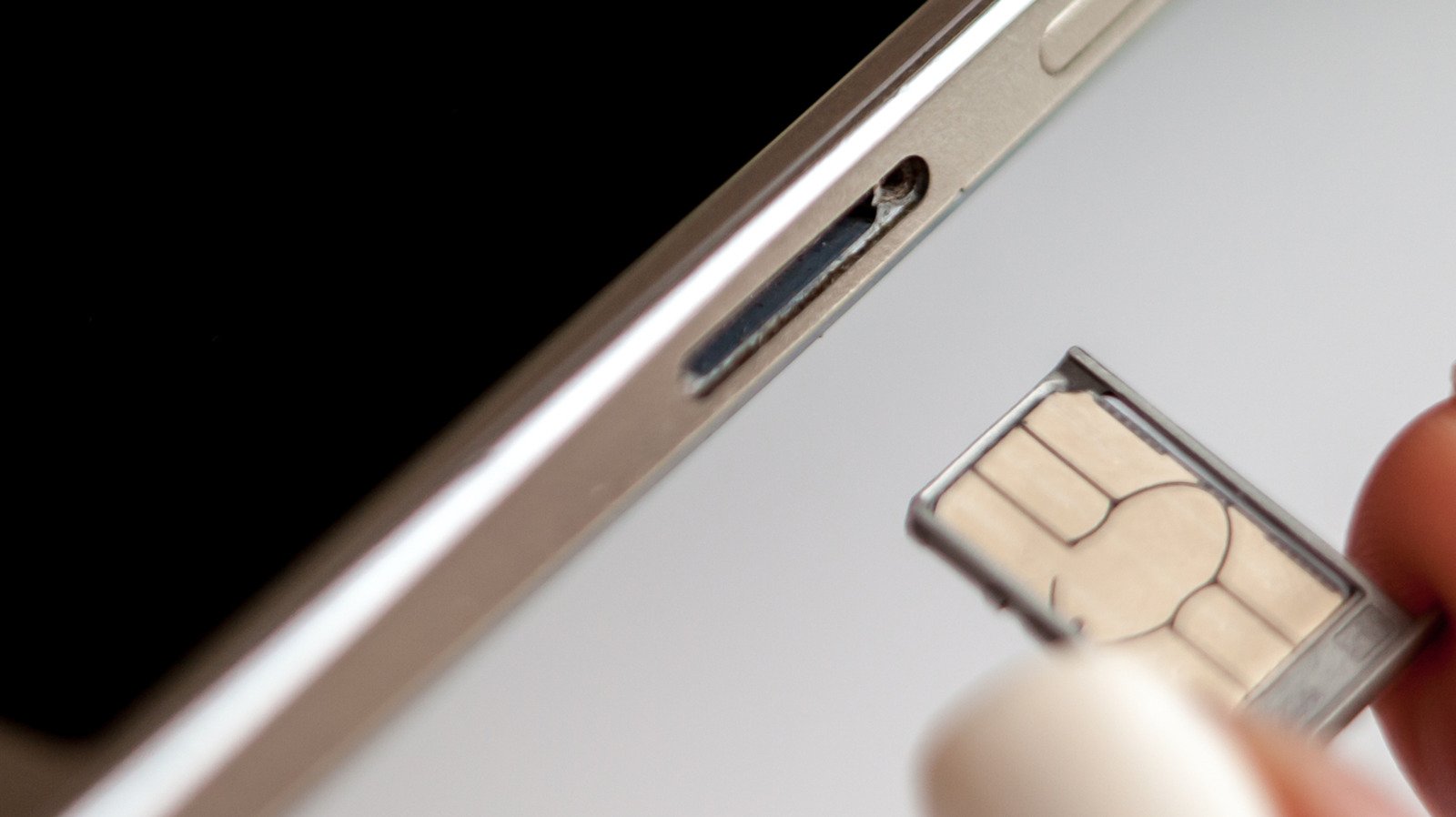
- Pop the tray out, usually by gently pushing a paperclip or SIM ejector tool into the ejection pinhole on the phone.
- Change the card, ensuring you use the correct card size.
- Pop the tray back into place.
- Enter your PIN or restart if the phone requests it.
If you have a dual-SIM phone that supports two physical cards, check which SIM you intend to swap before you begin.
While many argue eSIM is a superior technology because it requires no moving parts, others still appreciate the convenience and relative privacy true SIM cards provide. They make it easy to install and use over-the-counter pay-as-you-go SIM-based accounts, for example.
The small potential risks of SIM replacement
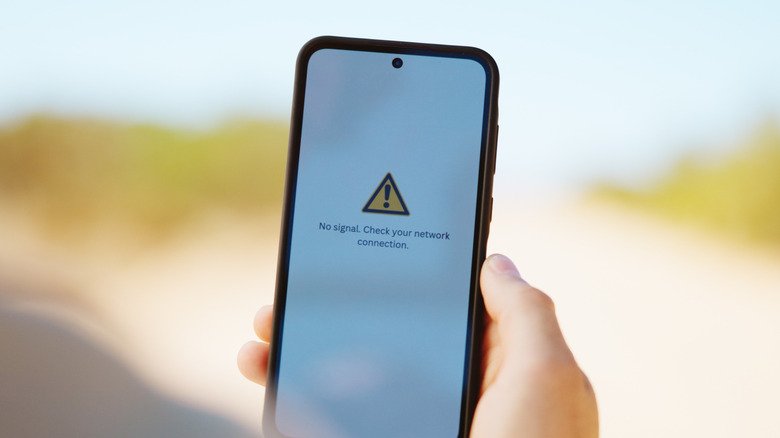
Most potential dangers of SIM replacement are physical. You might accidentally insert dirt, grime or moisture into the SIM tray, or force a larger card into a smaller slot incorrectly. You could also break the SIM tray so it no longer aligns correctly, or otherwise harm the card. A damaged SIM card or one incorrectly inserted may cause the phone to continue trying (and failing) to create a network connection, draining its battery and causing it to overheat.
Most people never encounter these problems, since slowing down and being careful does the trick. In most cases, your phone will take a moment to read the new SIM and find the network. Then it will be available for service, subject to account setup requirements.
The benefit of turning your phone off before swapping the SIM is minor. It forces your phone to look at the fresh information provided on the new card when it powers on again, helping register your device on its new network more quickly by reading the new carrier settings. This reduces the chance you’ll encounter a software-based “network error” message when you swap.
More to think about when swapping SIMs
Before the 2010s, SIM slots were usually located underneath a phone’s removable battery, which obviously required powering off the device to access. Over time, as removable batteries became less common, SIM trays were moved to the outside of phones. Early models using this setup would often show a network error if you swapped SIMs while the phone was on, but they quickly became hot-swappable and this was no longer a problem.
You don’t even need to switch your device off completely to make the phone refresh its carrier settings from the card. You’ll get a similar result if you turn on airplane mode, wait 30 seconds before swapping the SIM and turn airplane mode off again once the new SIM is inserted. This should prevent any carrier hiccups during the process.
A warning on SD cards
Unlike the iPhone, some Android devices still include a microSD card slot. In some cases, this is in the same tray as the SIM, though placement varies. If this is the case for you, as when ejecting an external drive, it’s important to unmount the microSD card before removing the SIM to prevent losing data. On Samsung devices: open the My Files app, find the SD Card, tap the three-dot menu next to it and choose Unmount. Search the Settings app or check online documentation if you’re not sure how this works for your device.
So while the benefits are slight, switching off your phone when replacing the SIM can prevent software-related glitches. If you don’t want to power down, use airplane mode instead. And in case you encounter a network error after swapping, always try restarting your device first.
