


Close Menu
ToolTechBlogToolTechBlog

    Subscribe to Updates

    Get the latest creative news from FooBar about art, design and business.

    What's Hot

    What is MSI mode on Windows PCs and does it speed up your GPU?

    September 14, 2026

    A Vinyl Bar in Shibuya is a startup offering fun music apps without any AI prompting

    September 14, 2026

    A Developer’s Guide to Living Between Image Formats

    September 14, 2026
    Facebook X (Twitter) Instagram
    ToolTechBlogToolTechBlog
    • Home
    • AI Tools
    • Web Hosting
    • Tech
    • Digital Marketing
    • Business Software
    • VPN & Cybersecurity
    ToolTechBlogToolTechBlog
    Home»Tech»What is MSI mode on Windows PCs and does it speed up your GPU?
    Tech

    What is MSI mode on Windows PCs and does it speed up your GPU?

    Tool Tech TeamBy Tool Tech TeamSeptember 14, 2026No Comments3 Mins Read
    Facebook Twitter Pinterest Telegram LinkedIn Tumblr WhatsApp Email
    What is MSI mode on Windows PCs and does it speed up your GPU?
    Share
    Facebook Twitter LinkedIn Pinterest Telegram Email

    It’s a setting you probably won’t want to mess around with.

    MSI (Message Signaled Interrupts) mode is a Windows feature designed as a way for hardware devices like your graphics card (or GPU, if you’re a purist) to grab the attention of and communicate with your CPU. Introduced in the PCIe 2.2 specification and then baked into Windows Vista, it’s a specialized setting that modders and tweakers all too often talk (recklessly) about as if it’s some hidden performance unlock.

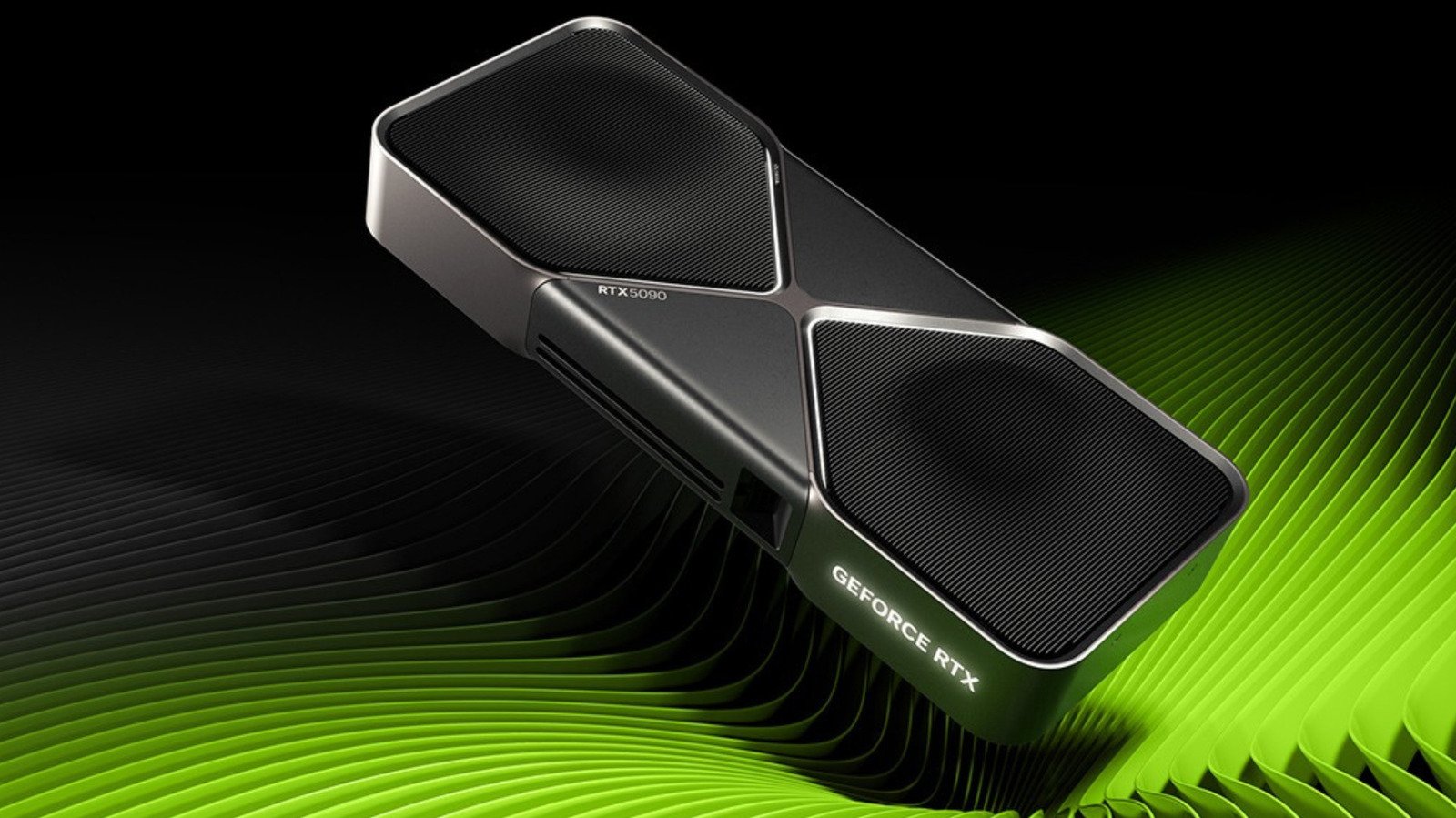
    While, yes, it’s true that switching MSI on can genuinely trim latency on older cards that use the line-based interrupt method, you shouldn’t really be touching it. MSI won’t raise your average frame rate if you’ve got an older card, and most modern graphics card drivers, like those for the RTX 5090, enable MSI by default in most cases. If you force it on hardware where the manufacturer chose not to, you could render that device unresponsive until you undo the change.

    What is MSI used for?

    Your CPU is your PC’s “brain,” responsible for executing instructions by decoding their binary code and issuing commands. When a component like your graphics card needs to stop what it’s doing, it sends an interrupt request, or IRQ, to the CPU these physical lines, lots of devices can end up cramming onto one, causing latency when the shared line can’t tell the CPU which device fired a signal

    Instead of relying on hardware lines, a device that uses MSI raises an IRQ by writing a small value to a specific memory address instead. Every interrupt arrives already labeled with its sender as a result, meaning that it never collides with another device’s traffic. The introduction of PCI 3.0 in 2010 brought MSI-X, an extended version that supports more individual messages. Windows now uses this as the default whenever a device offers both, whether you’re still on Windows 10 or have made the upgrade to Windows 11.

    In terms of what your graphics card stands to gain, the most noticeable change will be consistency over speed. With MSI, interrupts are serviced with less waiting around, which can settle frame pacing and reduce input latency on a system that was otherwise suffering from congested lines. Your card won’t render any faster; MSI requests mean your graphics card gets a higher response priority from your CPU. That’s it. If it’s outright speed you’re after, our guide on how to buy a GPU will serve you better.

    Controversial take: Manufacturers know best

    MSI is controlled by the registry value MSISupported, and it’s the manufacturer’s GPU driver that writes it during installation. Most current-gen AMD graphics card drivers come with MSI enabled, as do the drivers for many recent NVIDIA models. If you’ve got a graphics card where MSI is disabled by default, however, that’s a decision that the manufacturer has made as a compatibility judgment call. It’s unwise to assume it’s an oversight and override it; doing so runs the risk of crashes and driver timeouts on hardware with a flawed MSI implementation.

    There’s a pretty good example of an MSI failure in action available on the Dell support website. It republished Microsoft guidance covering a failure where certain SSDs running Windows 10’s default StorAHC.sys driver stopped completing reads and writes with MSI mode enabled, pinning Task Manager at 100 percent disk utilization. The fix in this case was to switch MSI off for the affected controller.

    does mode speed What Windows
    Share. Facebook Twitter Pinterest LinkedIn Tumblr Email
    Tool Tech Team
    • Website

    Related Posts

    MagSafe vs. USB-C: Which is better for charging your MacBook?

    September 14, 2026

    Never use harsh cleaning products to clean your smartphone — do this instead

    September 13, 2026

    What is the difference between a dead pixel and a stuck pixel?

    September 13, 2026

    Is a 256GB SSD better than a 1TB hard drive? It depends how you’re using it

    September 12, 2026

    Moss developer Polyarc has closed

    September 12, 2026

    Bose QuietComfort Headphones (2nd gen) review: Upgraded in all the right places

    September 11, 2026
    Leave A Reply Cancel Reply

    Top posts
    Tech

    What is MSI mode on Windows PCs and does it speed up your GPU?

    By Tool Tech Team
    Business Software

    A Vinyl Bar in Shibuya is a startup offering fun music apps without any AI prompting

    By Tool Tech Team
    Web Hosting

    A Developer’s Guide to Living Between Image Formats

    By Tool Tech Team
    Editors Picks

    What is MSI mode on Windows PCs and does it speed up your GPU?

    September 14, 2026

    A Vinyl Bar in Shibuya is a startup offering fun music apps without any AI prompting

    September 14, 2026

    A Developer’s Guide to Living Between Image Formats

    September 14, 2026

    What’s behind the AI industry’s latest warnings of doom?

    September 14, 2026
    About Us

    Welcome to ToolTechBlog, your trusted source for the latest insights, reviews, and practical guides on AI tools, business software, cybersecurity, web hosting, and consumer technology.
    Our mission is simple: to help individuals, entrepreneurs, freelancers, students, and businesses discover the right digital tools to improve productivity, streamline workflows, and make informed technology decisions.

    Our Picks

    What is MSI mode on Windows PCs and does it speed up your GPU?

    September 14, 2026

    A Vinyl Bar in Shibuya is a startup offering fun music apps without any AI prompting

    September 14, 2026

    A Developer’s Guide to Living Between Image Formats

    September 14, 2026
    Top Reviews

    The AI Hype Index: Unsexy AI

    July 29, 2026

    What it is and How to Fix it

    July 29, 2026

    LG to Ban Residential Proxies from Smart TV Apps

    July 29, 2026

    © 2026 tooltechblog.com. All rights reserved. Designed by DD.

    • About Us
    • Contact Us
    • Terms and Conditions
    • Privacy Policy
    • Disclaimer

    Type above and press Enter to search. Press Esc to cancel.