



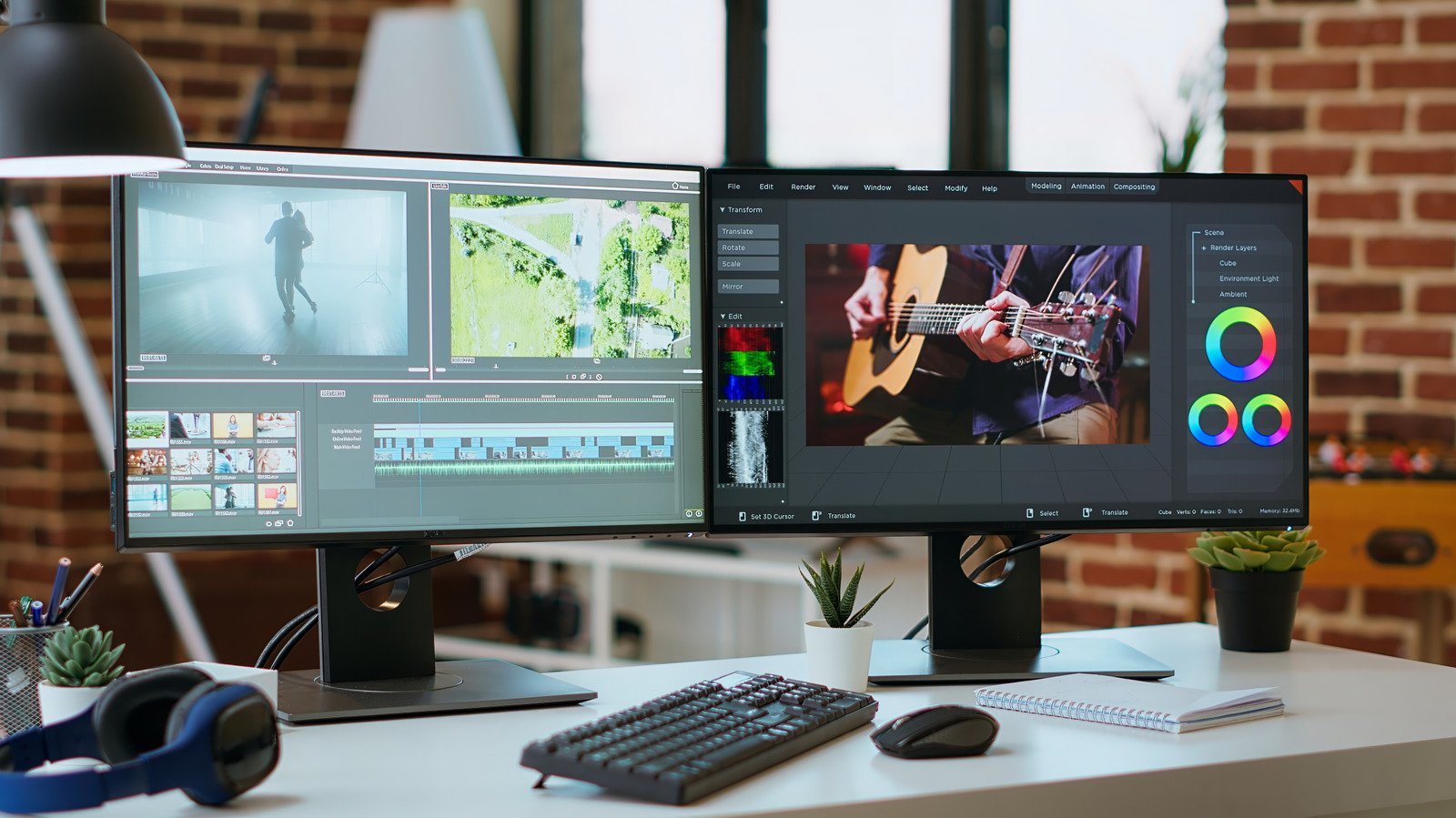
Two screens means more real estate to run apps without having to switch between them all the time.
Upgrading to dual monitors is the best workflow upgrade you can make, with some studies indicating that it can boost productivity and satisfaction. Whether it’s for multitasking, to expand a split-screen view, gaming or everyday office tasks, there’s a lot of value in this setup.
While you might think dual screens are mostly for gamers or those who work in computer-intensive fields like music and video production or accounting, that’s not the case. My best friend works in insurance and uses a dual-monitor setup so she can copy and paste information from one document to another instead of switching tabs, or put her Teams chat on one monitor while working on the other. She added that “Dragging and dropping documents is so easy.” Bottom line: there are plenty of benefits for anyone who regularly multitasks.
Usability advantages of a second monitor

The most obvious reason to set up two of the best monitors is being able to spread your work across multiple screens. The app I use most on my MacBook is split-screen, so I can write on one half while conducting web research or going through PDF briefs on the other. The benefit of having two full-sized monitors to do this, versus half a screen with small font, is easy to realize. Creative professionals or data analysts, meanwhile, can expand the screen real estate and see more at once. Professions like traders and programmers may benefit from three or even four monitors. But for most people, two is the sweet spot.
It’s worthwhile for any kind of multitasking. I always have tons of tabs open on my computer and consistently use two separate web browsers. You can work on two tasks at the same time, like tweaking your resume on one monitor while hunting through job listings on the other. A second monitor can be home for communication apps or other mostly-static information you want to keep an eye on, like your email inbox.
Beyond text-based documents like word processing and spreadsheets, two monitors are great for gamers. You can play on one screen and use the second to manage game recording, chat with your streaming audience, access Discord and more without having to leave the game. During a video call, you can take notes on one display while looking at your team on the other. Or if you’re making a how-to video, you could have a script open on one monitor while you perform the steps on the second.
Dual monitor organization and tips

Having a second monitor allows for better organization, both on your desk and the screens. I sometimes print reference documents to view them separately. A second monitor would eliminate the need to do this, saving paper (and clutter). By not relying on a phone or tablet as a second screen, you avoid the risk of getting caught up in mobile distractions.
It’s worth noting that you don’t necessarily need a high-end second monitor. Specs like high refresh rate are more important for the display you’re looking at most of the time. For a second one you use only when necessary, a more affordable monitor is fine. Ideally, you should find a second monitor that is the same size as your first for a seamless look. It should also have the same pixel density to ensure matching text and image scaling. Finally, get mounting hardware to situate them at the same level.
Be aware of how far you should sit from your monitor, as well as the proper eye height, and set them up accordingly. You’ll need to find a tidy way to connect both monitors to your computer, which requires two video outputs and the appropriate cables. Then, adjust display settings like brightness and contrast as needed.
If you’re using a laptop, you might need to configure it to stay running when you close the lid if you aren’t using it as one of your displays. Most modern MacBooks can support at least two monitors, for instance.
A second monitor might not be something you use all the time. But having it there when you need it can be, as my friend noted, a “complete game-changer.” Being able to look at one program while working in another one saves you from constantly switching app windows and lets you keep an eye on what’s most important.
