


Close Menu
ToolTechBlogToolTechBlog

    Subscribe to Updates

    Get the latest creative news from FooBar about art, design and business.

    What's Hot

    How to Source Passive Candidates with AI in 2026

    October 28, 2026

    How to Teach Content Strategy to Stakeholders Who Don’t Speak Marketing

    October 28, 2026

    Reddit is the latest platform to embrace the ‘For You’ feed

    October 28, 2026
    Facebook X (Twitter) Instagram
    ToolTechBlogToolTechBlog
    • Home
    • AI Tools
    • Web Hosting
    • Tech
    • Digital Marketing
    • Business Software
    • VPN & Cybersecurity
    ToolTechBlogToolTechBlog
    Home»Tech»How to set up Amazon Alexa’s price drop alerts and auto-buy feature
    Tech

    How to set up Amazon Alexa’s price drop alerts and auto-buy feature

    Tool Tech TeamBy Tool Tech TeamSeptember 28, 2026No Comments4 Mins Read
    Facebook Twitter Pinterest Telegram LinkedIn Tumblr WhatsApp Email
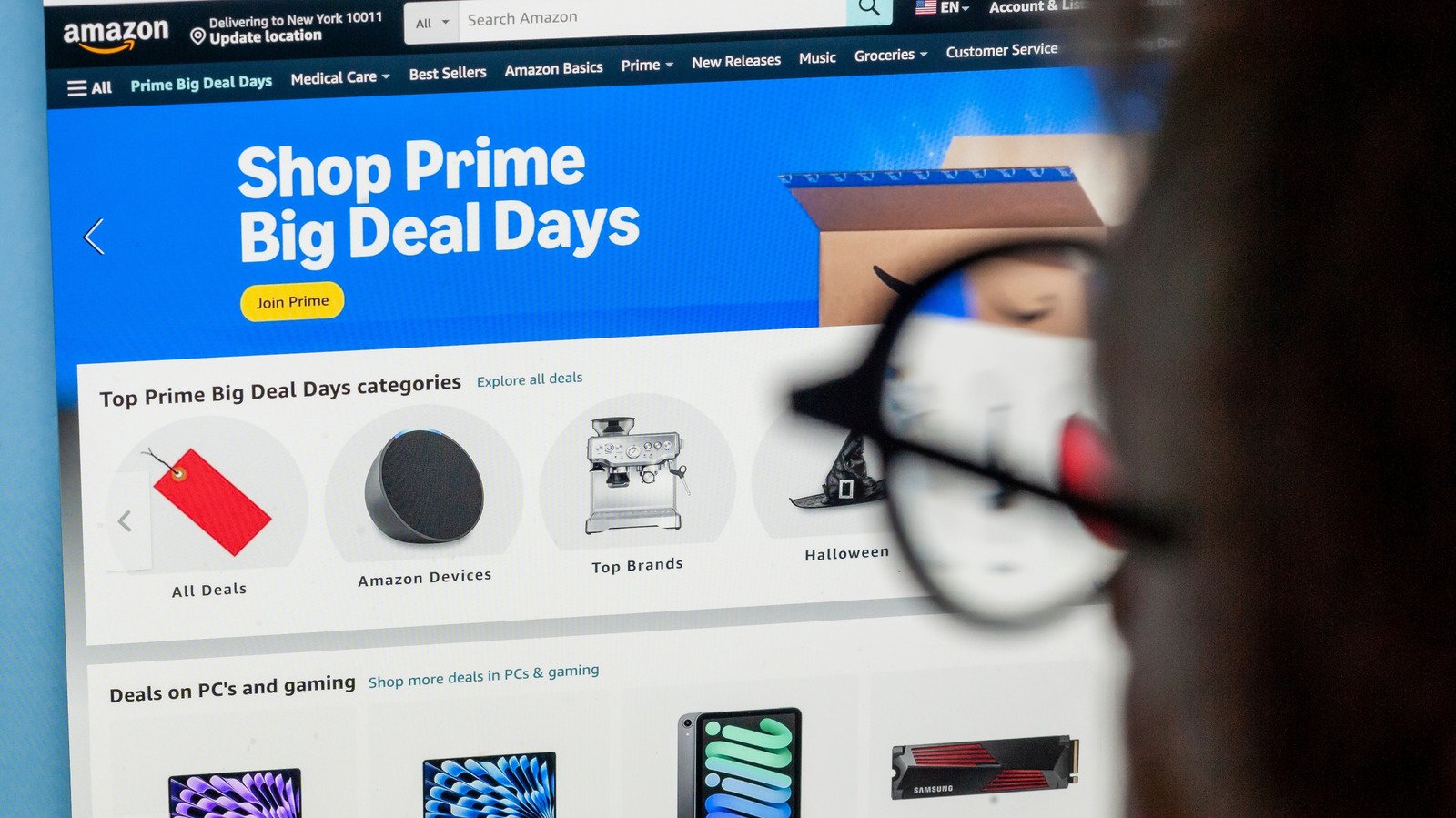
    How to set up Amazon Alexa's price drop alerts and auto-buy feature
    Share
    Facebook Twitter LinkedIn Pinterest Telegram Email

    Alexa for Shopping can monitor prices and make purchases so you don’t have to.

    We may receive a commission on purchases made from links.

    In the age of AI, it should come as no surprise that Amazon’s shopping tools can notify you when an item’s price drops and, for eligible Prime members, automatically buy it when it reaches a pre-selected price. To kick off your automated shopping spree, start with Amazon’s built-in <a href="https://www.aboutamazon.com/news/retail/how-to-check-amazon-price-history” rel=”nofollow noopener” target=”_blank”>Price History feature, a small blue button next to the item’s price on a desktop. The button is also present in the app, but it appears either as a white button with a blue outline or a text link. This feature uses AI to show you how a particular product’s price has changed over the past 30, 90 or 365 days.

    Amazon’s AI shopping assistant, Alexa for Shopping (formerly known as Rufus), will also answer questions about the product and its price history if you prefer to chat. If Alexa for Shopping isn’t your cup of tea, you can use a few third-party apps, like CamelCamelCamel or Keepa, to track Amazon pricing history and set price watches. However, those services can’t place orders for you, only monitor and report.

    Use the info you gather to set realistic price targets. A good example would be an item that repeatedly drops to $75 but currently costs $100. Setting up a $75 alert makes more sense than setting a $40 alert, unless you prefer a very quiet alert history.

    Set a price alert or turn on Auto Buy

    If you have Echo devices in your home, you’re probably aware of the periodic price alerts Alexa announces. The announcements typically relate to items in your purchase history, but you can make things more specific. Open an Amazon listing and simply ask Alexa for Shopping to watch the item at a price you choose. Going forward, Amazon will regularly check the item and notify you when it reaches your price point. Simple as that.

    If you want Amazon to go a step further and order the item for you, make your request explicit: “Buy these headphones when they are $75 or less.” This auto-buy feature allows Amazon to make the purchase when the price reaches your target using your default payment method. Unfortunately, coupons and promotional discounts don’t work with the Auto Buy option, so you’ll have to keep an eye on that yourself. Also, make sure you account for things like sales tax and delivery charges, especially if you’re dead set on a specific price point.

    How can you be notified when Amazon prices drop?
    Phone screen displaying the Amazon logo with an open laptop displaying the same in the background.

    If your notifications are turned off, it won’t matter what you tell Alexa for Shopping to do. On an iPhone, open Settings > Apps > Amazon > Notifications > Allow Notifications. On most Android phones, open Settings > Apps > Amazon > Enable Notifications.

    Also, it’s okay to be a bit vague if you’re not sure about a product but want to monitor a specific category of products, like espresso machines or noise-canceling headphones. You don’t have to know a specific product to provide Alexa for Shopping with a list of constraints, like budget, color or specific features. You’re essentially creating an outline and allowing the service to do its thing while you do your thing. This style of category alert will generally drop daily updates whenever a matching offer pops up.

    Alexa for Shopping is available to US customers in the Amazon app and on Amazon.com or Echo devices. You don’t need a Prime membership to browse around the site or even set up price alerts, but that’s not the case for Auto Buy purchases.

    alerts Alexas Amazon drop price
    Share. Facebook Twitter Pinterest LinkedIn Tumblr Email
    Tool Tech Team
    • Website

    Related Posts

    iOS 27.2 brings two new features to Apple’s CarPlay

    October 28, 2026

    VCs will make billions on Anthropic’s IPO, but Amazon is set to make much (much) more

    October 28, 2026

    Rockstar workers in the UK will hold a union vote just as GTA 6 is released

    October 27, 2026

    OpenAI announces new discoveries in mathematics, computer science and physics

    October 27, 2026

    Apple adds more Siri AI tools in its 27.2 system updates, out today

    October 26, 2026

    Fitbit Air vs. Whoop: Which screenless fitness tracker is better for you?

    October 26, 2026
    Leave A Reply Cancel Reply

    Top posts
    Web Hosting

    How to Source Passive Candidates with AI in 2026

    By Tool Tech Team
    Digital Marketing

    How to Teach Content Strategy to Stakeholders Who Don’t Speak Marketing

    By Tool Tech Team
    AI Tools

    Reddit is the latest platform to embrace the ‘For You’ feed

    By Tool Tech Team
    Editors Picks

    How to Source Passive Candidates with AI in 2026

    October 28, 2026

    How to Teach Content Strategy to Stakeholders Who Don’t Speak Marketing

    October 28, 2026

    Reddit is the latest platform to embrace the ‘For You’ feed

    October 28, 2026

    iOS 27.2 brings two new features to Apple’s CarPlay

    October 28, 2026
    About Us

    Welcome to ToolTechBlog, your trusted source for the latest insights, reviews, and practical guides on AI tools, business software, cybersecurity, web hosting, and consumer technology.
    Our mission is simple: to help individuals, entrepreneurs, freelancers, students, and businesses discover the right digital tools to improve productivity, streamline workflows, and make informed technology decisions.

    Our Picks

    How to Source Passive Candidates with AI in 2026

    October 28, 2026

    How to Teach Content Strategy to Stakeholders Who Don’t Speak Marketing

    October 28, 2026

    Reddit is the latest platform to embrace the ‘For You’ feed

    October 28, 2026
    Top Reviews

    The AI Hype Index: Unsexy AI

    July 29, 2026

    What it is and How to Fix it

    July 29, 2026

    LG to Ban Residential Proxies from Smart TV Apps

    July 29, 2026

    © 2026 tooltechblog.com. All rights reserved. Designed by DD.

    • About Us
    • Contact Us
    • Terms and Conditions
    • Privacy Policy
    • Disclaimer

    Type above and press Enter to search. Press Esc to cancel.