



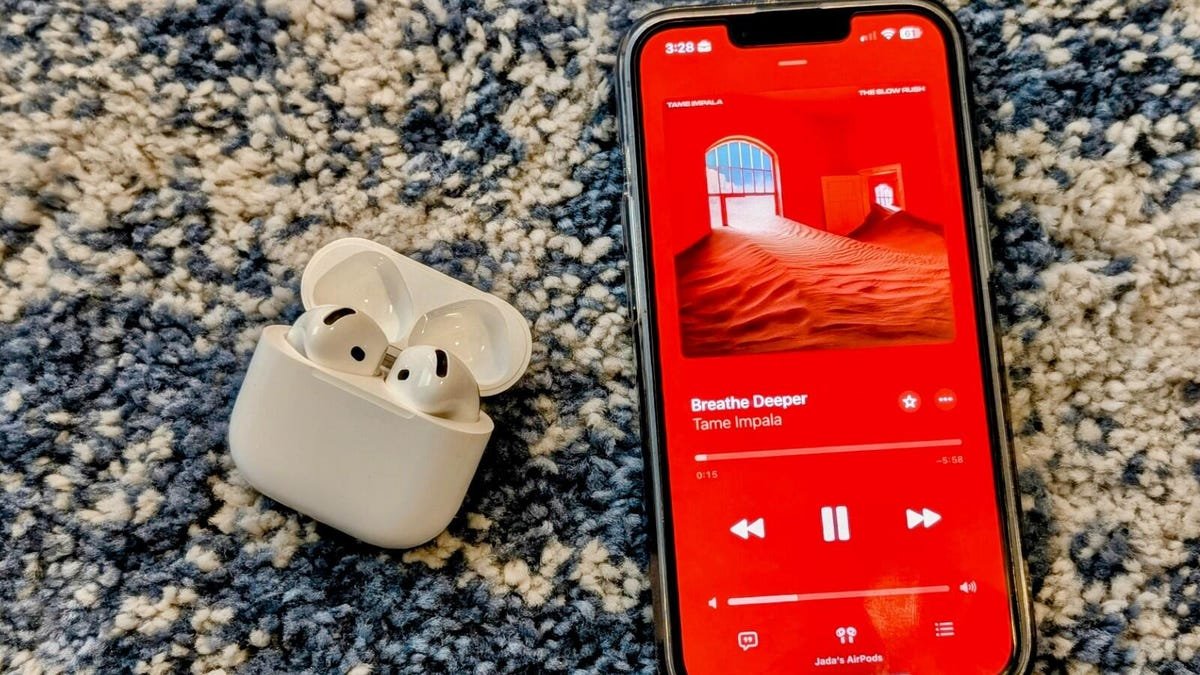
With options for streaming TV, movies, music, books, and more, there are many ways to keep yourself occupied with a few clicks on your device of choice. Unfortunately, streaming services aren’t cheap, and are typically offered as recurring monthly fees, which can add up quickly.
Also: Get Spotify’s student discount and Hulu for just $6 a month – here’s how
Thankfully, if you’re a student, you can use your status to your advantage and save a few bucks on one of the largest music streaming services: Apple Music. Students can secure a subscription for just $5.99/month instead of the usual $10.99/month. This saves $5/month and unlocks access to Apple TV for free. Here’s how.
Before you can set up an Apple Music student subscription, there are a few things to keep in mind. To be eligible, you must be a student studying an associate degree, bachelor’s degree, postgraduate degree, or equivalent higher education course at a college or university. You will also need to know your Apple ID and password and have a valid payment method linked to your Apple ID. You will also need to know your student ID and have access to your student email to verify your student status.
Also: How to qualify for Apple’s education discount
Here’s what to do if you’re subscribing as a student for the first time. I recommend completing the steps on a laptop for the most user-friendly experience (I used my Mac). It’s equally as easy to do so on your mobile device, especially if you’re already logged into your Apple account. Just be mindful that you can subscribe very quickly with features like Face ID, Subscriptions, and Apple Pay, and it happens so fast that you may not have even realized.
How to get an Apple Music student subscription
The easiest way to obtain your student discount is to navigate to Apple Music directly through the student offer, which we’ve linked here. If you’re navigatingeps
This action should take you to the homepage. If you are not already subscribed to Apple Music, you should see a banner near the bottom of your screen labeled “Try it Now.” If you’re following a link that’s direct to Apple’s student offer, you may skip a few steps and be ready to go.
After selecting the “Try it Now” offer, a popup now prompts you to either log in to an existing Apple Music account or create a new one.
Once you login or sign up, Apple should give you plan options. These images are from last year, when the process was slightly different, so I can’t 100% verify what the updated process looks like. However, it’s likely you’ll find a page similar to the one pictured.
A new window will outline Apple Music plans. There should be three options: Individual, Family, and College Student. Select the College Student plan.
After selecting the college plan, you’ll need to verify your eligibility. You may need to login to your Apple account again. Regardless, continue to follow the on-screen steps to verify your student status. Once your student status is verified, follow the on-screen steps to start a free trial and purchase a student subscription with your Apple ID.
Verification
How do I re-verify my Apple Music student status?
Once a year, you will need to re-verify that you’re a student to continue receiving the discounted student rate. You can re-verify your student status in the Apple Music app or iTunes for Windows, or in Settings on your iPhone or iPad. Here’s how to re-verify.
Re-verify your student status in the Apple Music app or iTunes for Windows
Open the Apple Music app or iTunes for Windows.
You may see a message that asks you to verify your student status. If so, choose Verify Eligibility or Verify Student Status.
Follow the steps onscreen to verify your student status.
If the verification is successful, you will automatically return to the Apple Music app or iTunes, and continue your Apple Music student subscription.
Re-verify your student status in Settings on your iPhone or iPad
Go to Settings > [your name] > Subscriptions.
Tap Apple Music.
Tap Verify Student Status.
Follow the steps onscreen to verify that you’re a student.
If the verification is successful, you’ll see a confirmation screen.
What happens to my Apple Music student discount if I don’t re-verify my student status?
Your student subscription will automatically renew as an Apple Music individual subscription if you’re still a student and do not verify your student status during the verification period. If you want to obtain the discounted rate, you’ll need to resubscribe as a student and go through the verification process.
How does Apple verify my student status?
For Apple Music student subscriptions, the tech giant is partnering with UniDays, which houses and shares student discounts for brands and stores across its site and provides online student verification services.
Also: Spotify vs. Apple Music: I’ve subscribed to both streaming services, and prefer this one
The current Apple Music student offer highlighted on the UniDays website is one month of Apple Music for free, followed by half-price monthly. Plus, you’ll get access to Apple TV+.
Is it safe to use student verification platforms like UniDays?
I wouldn’t have written this article if there was anything remotely suspicious about this student discount from Apple, which requires verification from UniDays. I used UniDays and other student-discount platforms like Student Beans for all four years of college and completed the student verification process myself. It is easy to do, and I have had no issues. Although I have now graduated, I continue to keep up with the best student offers to share with friends, family, and ZDNET readers.
Of course, there’s always a potential risk when you place any information online, so I recommend being cautious. However, Apple is not out to compromise customer trust by partnering with nefarious sites.
Also: The 4 streaming services I swear by – and my bill is just $40 a month
If Apple supports student verification, you can trust that the process has been vetted. The company would have a lot to lose if it weren’t
How long does an Apple Music student subscription last?
Students enrolled in a degree-granting institution can receive up to 48 months of Apple Music at a discounted student rate. Four years is the typical time necessary to complete a bachelor’s degree at many colleges and universities.
How do I qualify for an Apple Music student subscription?
To qualify for an Apple Music student subscription (which offers a discount), you must be a student studying an associate, bachelor’s, or postgraduate degree (or an equivalent higher education course) at a college or university and have your student status verified.
Can I switch between subscription plans?
If you’re already subscribed to Apple Music, you can change your subscription plan. Apple offers an individual and a family plan, as well as its exclusive student pricing plan. If you are a student already paying the full rate for Apple Music, completing the verification steps for your student status will allow you to obtain your student discount and switch to the student plan.
Featured reviews
I walked 3,000 steps with my Apple Watch, Google Pixel, and Oura Ring – this tracker was most accurate
After using the MacBook Neo for weeks, switching to the Air has been refreshingly sweet
I bought an earwax camera for my toolkit and use it for everything but my ears
LG G6 vs. Samsung S95H: I compared the best OLED TVs of 2026 and made a tough choice
- I walked 3,000 steps with my Apple Watch, Google Pixel, and Oura Ring – this tracker was most accurate
- After using the MacBook Neo for weeks, switching to the Air has been refreshingly sweet
- I bought an earwax camera for my toolkit and use it for everything but my ears
- LG G6 vs. Samsung S95H: I compared the best OLED TVs of 2026 and made a tough choice
