


Close Menu
ToolTechBlogToolTechBlog

    Subscribe to Updates

    Get the latest creative news from FooBar about art, design and business.

    What's Hot

    TechCrunch Mobility: Blue-green is the color of autonomy

    October 25, 2026

    Here’s what you need to know before buying a wireless CarPlay adapter

    October 25, 2026

    Your iPhone can spot scams for you with iOS 27 – but you have to opt in

    October 25, 2026
    Facebook X (Twitter) Instagram
    ToolTechBlogToolTechBlog
    • Home
    • AI Tools
    • Web Hosting
    • Tech
    • Digital Marketing
    • Business Software
    • VPN & Cybersecurity
    ToolTechBlogToolTechBlog
    Home»Tech»Here’s what you need to know before buying a wireless CarPlay adapter
    Tech

    Here’s what you need to know before buying a wireless CarPlay adapter

    Tool Tech TeamBy Tool Tech TeamOctober 25, 2026No Comments3 Mins Read
    Facebook Twitter Pinterest Telegram LinkedIn Tumblr WhatsApp Email
    Here's what you need to know before buying a wireless CarPlay adapter
    Share
    Facebook Twitter LinkedIn Pinterest Telegram Email

    There’s a way to convert wired CarPlay to wireless, but you need to choose the right adapter first.

    We may receive a commission on purchases made from links.

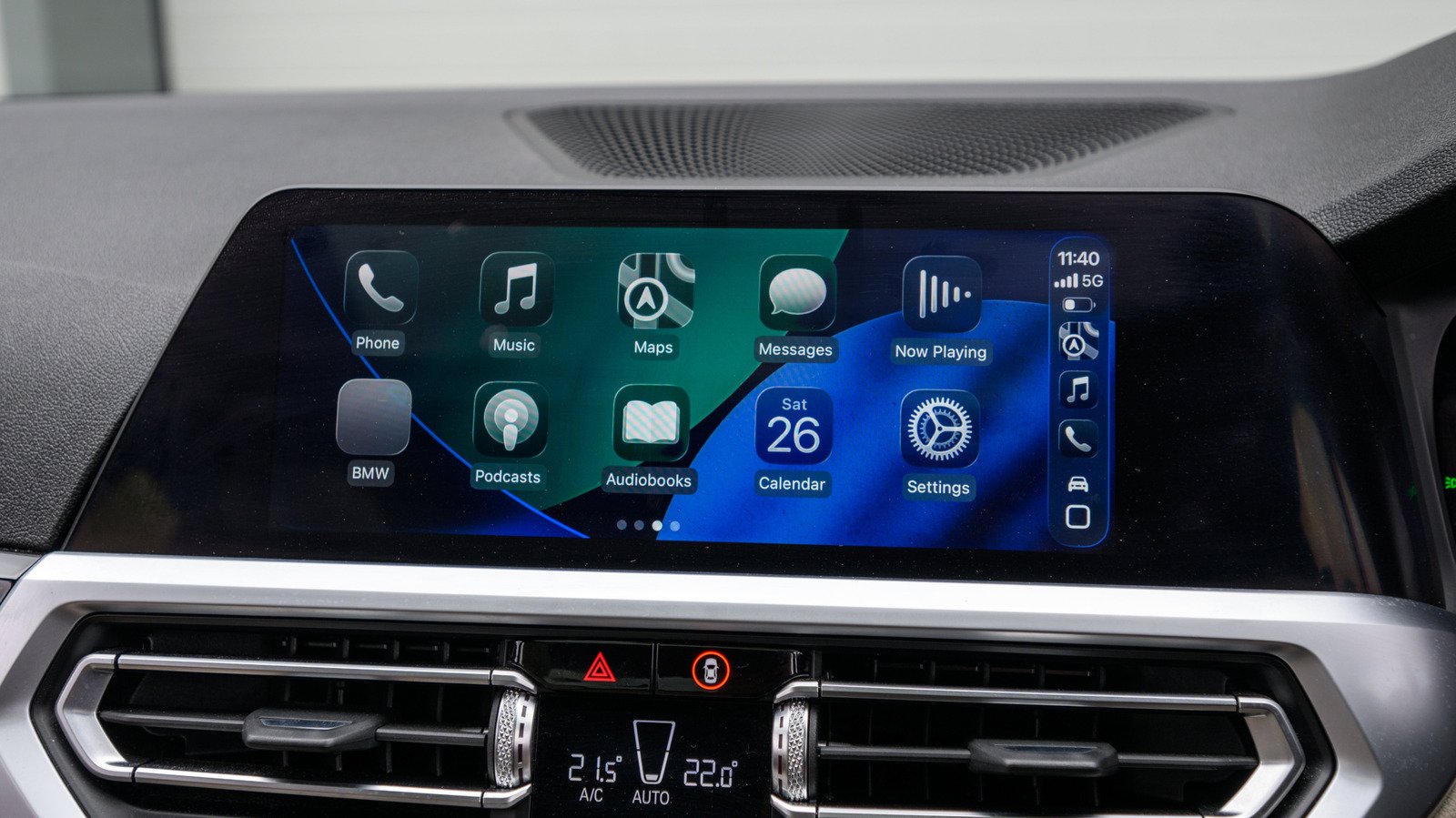
    CarPlay is compatible with hundreds of vehicles, but many of them require you to plug in your iPhone with a cable. While wired CarPlay offers greater stability, going wireless gives you more freedom to place your phone anywhere. The good news is that you don’t need a new car or an infotainment system upgrade to get wireless CarPlay. In most cases, a relatively cheap adapter does the trick. These adapters are usually “plug-and-play,” so connecting one to your car has it act as a bridge between your car’s system and your iPhone.

    However, there are potential pitfalls. Some of them take too long to connect, while others might not work with certain infotainment systems. That’s where choosing the right adapter comes in. There are a few points you need to check before buying one, like whether it supports the latest Wi-Fi and Bluetooth standards, and confirming it works with the newest versions of iOS.

    Check your car before buying a CarPlay adapter
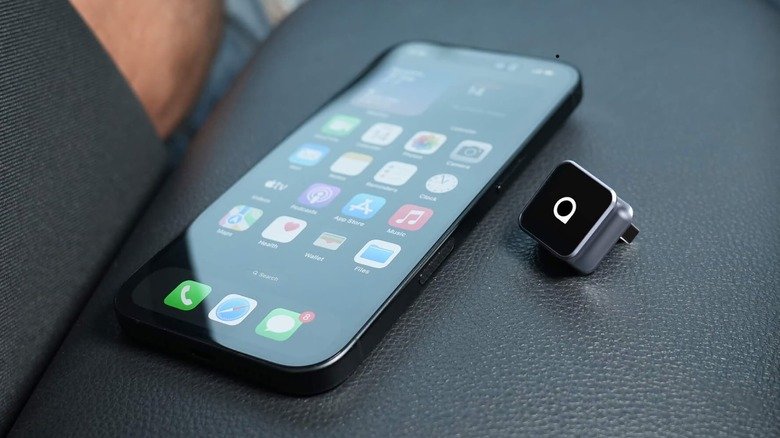
    An iPhone next to an Ottocast wireless CarPlay adapter.

    First and most importantly, see whether your car is compatible with the adapter you plan to buy. These adapters only work with cars that already have built-in CarPlay, as they simply convert USB CarPlay to wireless. If your car doesn’t have an infotainment system with CarPlay, an adapter won’t change that — you’ll need a portable CarPlay display instead. 

    High-quality units should work with most vehicles, but there may be some incompatibilities. Look for a list of compatible vehicles in the adapter’s description, or do a quick search on car forums. Amzfeel’s adapter, for example, claims support for over 800 vehicle models. Keep an eye on the ports, too. Older cars tend to have USB-A ports, while newer ones may come with USB-C. Make sure to buy a wireless CarPlay adapter with the matching port so you don’t have to add a USB adapter to the mix.

    Since some models don’t get firmware updates, new versions of iOS may end up breaking support for them. Always make sure to check whether an adapter is compatible with the version of iOS your iPhone is running. And if possible, get one that’s capable of updates so you don’t have to replace it as soon.

    The adapter features that actually make a difference
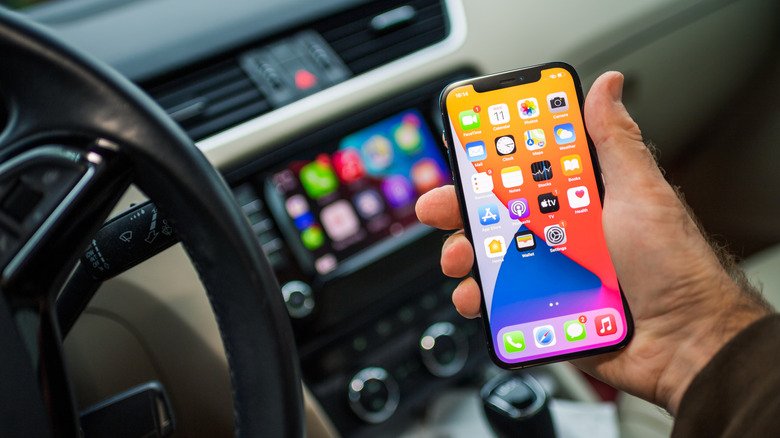
    A person holding an iPhone in front of a car's infotainment system with CarPlay running.

    Once you’ve confirmed compatibility, it’s time to take a look at other specs. An important feature is auto-reconnect, which allows your iPhone to automatically start wireless CarPlay after the initial setup. Adapters without this feature require you to manually pair with CarPlay every time you start your car, which is a waste of time.

    The Bluetooth and Wi-Fi standards matter, too. Adapters that support 5GHz Wi-Fi (to avoid congestion) and at least Bluetooth 5.0 (for quick connections) tend to offer more reliable and stable performance. Some cheaper adapters rely on older wireless standards, so you may experience lag and interference when using CarPlay.

    Also, not every adapter is compatible with steering wheel controls or hands-free Siri. If these features matter to you, double-check to ensure that the model you’re considering supports them. More expensive adapters add extras like video streaming apps or Android Auto support. And if you share your car with other people, choose one that supports multiple paired iPhones.

    Most of these adapters cost between $30 and $50, like the ones from Ottocast, but prices can go higher for models with more features. If you buy a well-reviewed adapter, it should work just fine with your car and iPhone.

    Before Heres Know Need What
    Share. Facebook Twitter Pinterest LinkedIn Tumblr Email
    Tool Tech Team
    • Website

    Related Posts

    Google is quietly linking your phone number to other Android accounts

    October 24, 2026

    OpenAI says it’s cutting off internet access for frontier model training

    October 24, 2026

    Startups don’t need to go viral to win customers

    October 24, 2026

    Meta is charging government and nonprofit pages to post links on Facebook

    October 23, 2026

    A new subscription service promises an evolving collection of ‘bold and bizarre’ indie games

    October 23, 2026

    The new Fire TV Stick 4K is already half off

    October 22, 2026
    Leave A Reply Cancel Reply

    Top posts
    AI Tools

    TechCrunch Mobility: Blue-green is the color of autonomy

    By Tool Tech Team
    Tech

    Here’s what you need to know before buying a wireless CarPlay adapter

    By Tool Tech Team
    Business Software

    Your iPhone can spot scams for you with iOS 27 – but you have to opt in

    By Tool Tech Team
    Editors Picks

    TechCrunch Mobility: Blue-green is the color of autonomy

    October 25, 2026

    Here’s what you need to know before buying a wireless CarPlay adapter

    October 25, 2026

    Your iPhone can spot scams for you with iOS 27 – but you have to opt in

    October 25, 2026

    7 Checks Developers Should Make So AI Search Can Read Their Site

    October 25, 2026
    About Us

    Welcome to ToolTechBlog, your trusted source for the latest insights, reviews, and practical guides on AI tools, business software, cybersecurity, web hosting, and consumer technology.
    Our mission is simple: to help individuals, entrepreneurs, freelancers, students, and businesses discover the right digital tools to improve productivity, streamline workflows, and make informed technology decisions.

    Our Picks

    TechCrunch Mobility: Blue-green is the color of autonomy

    October 25, 2026

    Here’s what you need to know before buying a wireless CarPlay adapter

    October 25, 2026

    Your iPhone can spot scams for you with iOS 27 – but you have to opt in

    October 25, 2026
    Top Reviews

    The AI Hype Index: Unsexy AI

    July 29, 2026

    What it is and How to Fix it

    July 29, 2026

    LG to Ban Residential Proxies from Smart TV Apps

    July 29, 2026

    © 2026 tooltechblog.com. All rights reserved. Designed by DD.

    • About Us
    • Contact Us
    • Terms and Conditions
    • Privacy Policy
    • Disclaimer

    Type above and press Enter to search. Press Esc to cancel.