



Just buy a basic gaming PC instead.
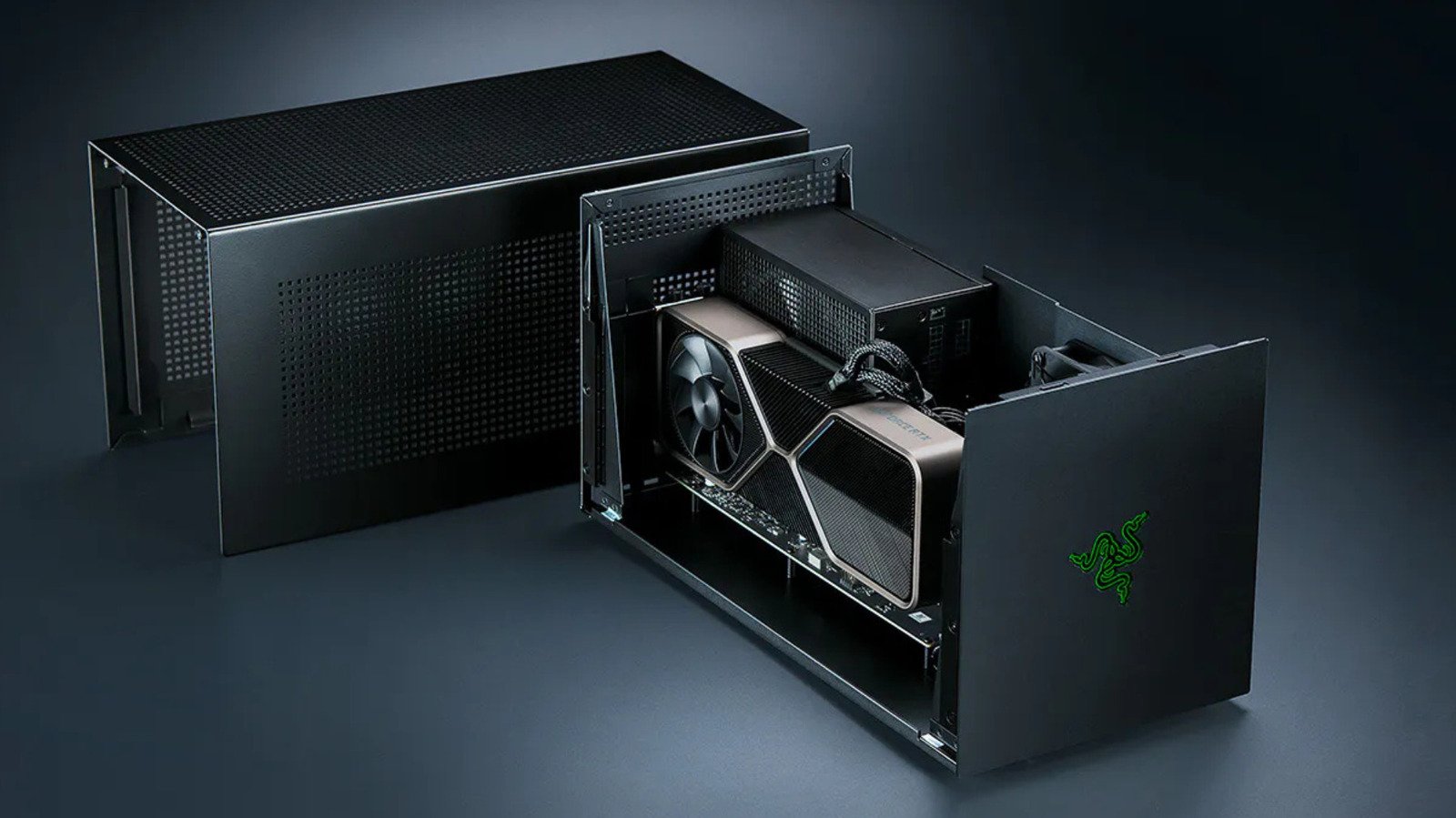
If you’ve been looking to get more gaming power out of your laptop but don’t want to pay for a replacement amid RAMpocalypse pricing, an eGPU could be your best bet. An eGPU is an external graphics processor, usually a desktop graphics card in an enclosure connected to a compatible laptop or gaming handheld through Thunderbolt or USB4. They can be pretty good at taking over rendering, meaning even thinner and weaker machines can run more demanding games with one plugged in, but there are many caveats.
A GPU run as an eGPU will typically operate slower over Thunderbolt than it would inside a desktop. The enclosure to house it costs hundreds of dollars too, and some devices, like Apple Silicon-based Macs, can’t use an eGPU for gaming at all. That said, eGPU hardware is in better shape today than it has been in years. Razer revived its eGPU line with a Thunderbolt 5 dock in July 2025, and Framework is building an eGPU kit for its Laptop 16.
How much performance is lost with an eGPU?
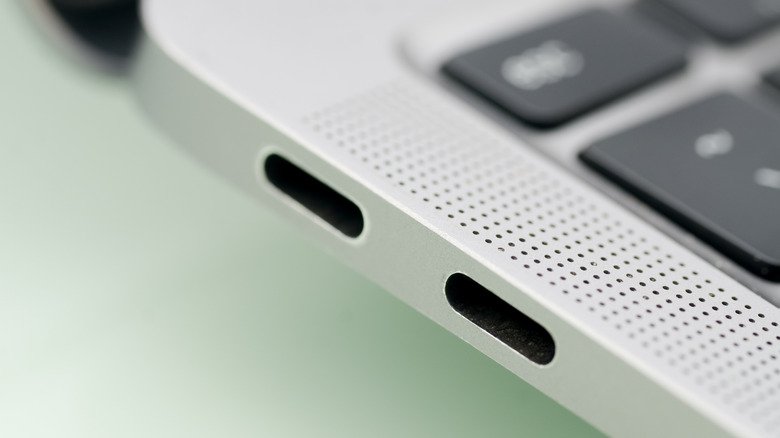
A Thunderbolt 4 port carries 40Gbps, and Intel’s spec allots PCIe data 32 Gbps of it, an eighth of the bandwidth a desktop PCIe 4.0 x16 slot provides. Most of what the card in an eGPU enclosure does will never cross the Thunderbolt cable. Textures and shaders get loaded into VRAM once and remain there, meaning the cable only gets busy when a game pulls in new assets or sends finished frames back to the display.
Portables review site Notebookcheck tested an RTX 2080 Ti enclosure back in 2021 and found deficits ranging from seven to 32 percent when compared to a desktop. Losses did shrink to single digits at 4K on an external monitor, but rendering to a laptop is slower because finished frames travel back down the same cable. In contrast, PC Gamer tested an RTX 4070 Ti and 4090 over Thunderbolt, OCuLink and desktop PCIe. Its RTX 4070 Ti ran around 25 percent slower over Thunderbolt than OCuLink in many 1440p tests, with lower 1 percent lows and more stuttering.
PC Gamer also claimed that upgrading from the 4070 Ti to the 4090 delivered smaller gains over Thunderbolt and OCuLink compared to desktop. So, the faster the card, the more of its performance the Thunderbolt cable restricts, making a mid-range GPU the more sensible choice for an eGPU enclosure. Thunderbolt 5 provides 80 Gbps of connection bandwidth, while Razer’s $350 Core X V2 connects the GPU through PCIe 4.0 x4, nominally 64 Gbps. That gives an x16 graphics card four lanes instead of the 16 available in a suitable desktop slot.
Cost and compatibility
The Core X V2 comes with only the enclosure; no power supply, USB ports or Ethernet. You’ll need to add your own ATX PSU, and Razer now sells the missing I/O separately as a Thunderbolt 5 dock starting at $390 for the Mercury version. Throw in the graphics card itself and there’s really little point in buying all these components when you could just invest in a budget gaming rig instead. At least in doing so, you’ll be avoiding the external connection’s bandwidth limit. Thunderbolt 5 laptops are also few and far between outside premium gaming machines and mobile workstations, so connecting the enclosure to a compatible Thunderbolt 4 laptop limits the connection to 40 Gbps regardless.
OCuLink does manage to get around Thunderbolt by running bare PCIe over a cable. That’s the route Framework is taking. Its OCuLink Dev Kit exposes an eight-lane PCIe connection on the Laptop 16, rated at up to 128 Gbps. You end up sacrificing some convenience here given that OCuLink doesn’t power the host, and there’s none of the plug-and-play that makes a Thunderbolt box a one-cable dock.
Apple dropped eGPU support with its move away from Intel silicon back in 2020. No macOS release since has brought it back for graphics acceleration. However, Apple did approve TinyGPU earlier this year, a driver extension from the tinygrad project that runs newer AMD and Nvidia cards over Thunderbolt or USB4. It’s for AI workloads only, and its lack of display output means it won’t get you anywhere for gaming use cases.
