



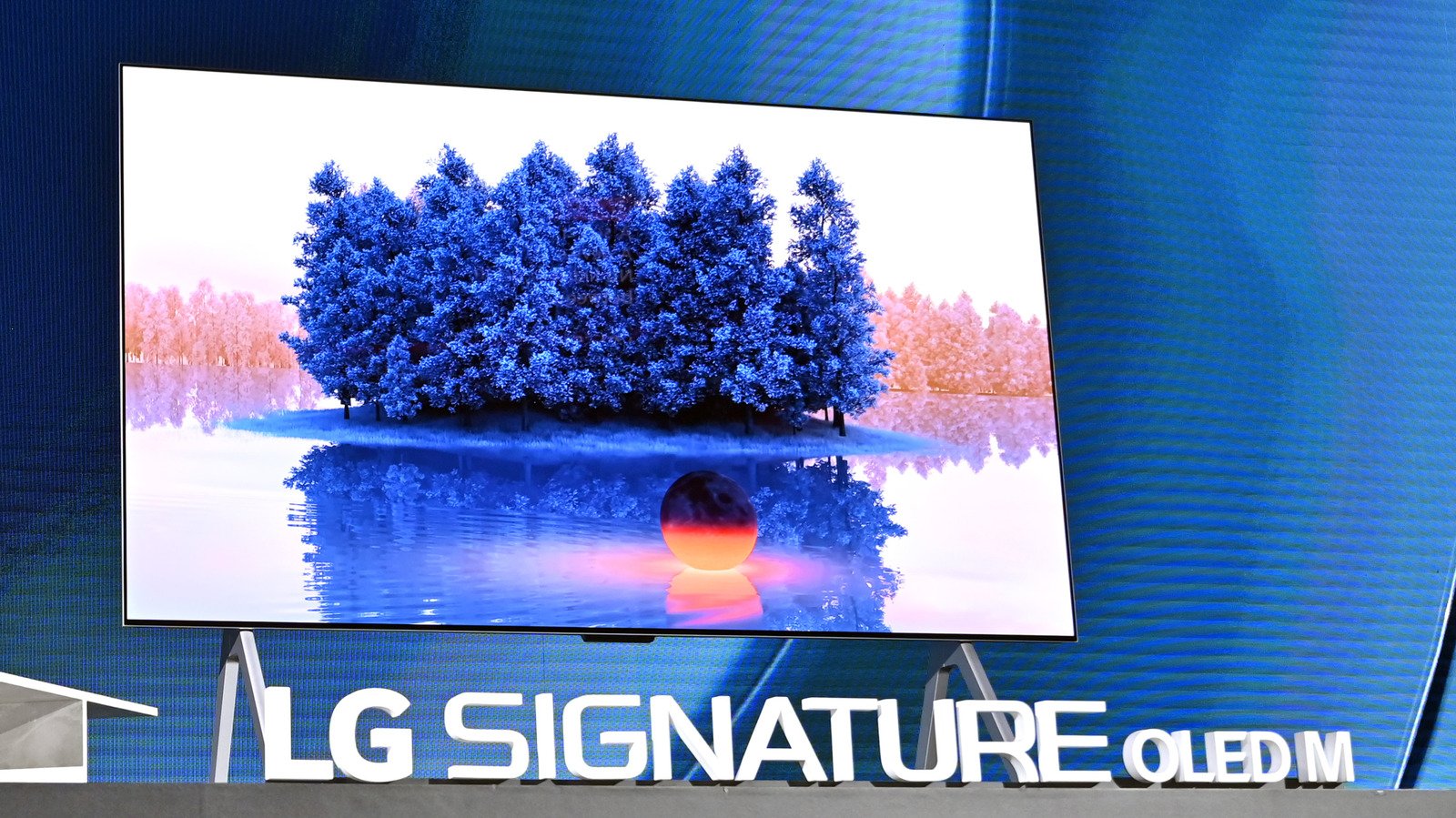
OLED screens run the biggest risk, but with a little common sense you can mitigate the issue.
If you’re shopping for a new TV or monitor, you may have heard that OLED offers some of the best picture <a href="https://tooltechblog.com/how-to-improve-your-audio-quality-on-android-auto/” title=”How to improve your audio quality on Android Auto”>quality available today. While OLED TVs often cost a premium compared to budget and even mid-range LCDs, you get excellent contrast, vivid colors and deep blacks in return. However, there can be one major caveat to the display technology: the possibility of permanent image retention or burn-in.
While the term burn-in may sound alarming, especially if you’re on the verge of spending hundreds or thousands of dollars, it’s not something you need to worry about immediately. And even though it’s inevitable, burn-in remains unnoticeable in many cases and takes years to appear even if it does. Better yet, you can take some simple precautions to significantly reduce the risk and extend the lifespan of an OLED display to keep burn-in at bay until it’s time to upgrade.
So, what exactly is burn-in, what causes it on modern TVs and how can you minimize the risk? Here’s a quick rundown.
What is burn-in and what causes it?
An OLED display is made up of millions of tiny organic light-emitting diodes — hence the name OLED. This is unlike an LCD, which relies on a backlight to illuminate its pixels. This means that each pixel in an OLED generates its own light and can be dimmed or turned off independently. But while this granular control provides excellent contrast and deep blacks, it also means that individual pixels can wear out independently of each other.
Each time you use an OLED display, these individual pixels undergo some infinitesimal amount of degradation. In the real-world, this wear translates to a dimmer light output. To further complicate matters, each pixel is actually made up of several smaller sub-pixels that produce different colors, typically red, green and blue. These sub-pixels don’t necessarily age at the same rate, either.

Practically speaking, the OLED display is continuously varying the brightness of each pixel and sub-pixel to reproduce the colors you see on the screen. Over time, though, this can cause some pixels can experience more wear than others and become dimmer. Eventually, the difference in brightness can become noticeable enough to our eyes.
Put simply, burn-in occurs when some pixels appear brighter than those that have experienced greater wear, creating a persistent outline or ghosting of previously displayed content.
Static elements like channel logos have a higher potential to cause OLED burn-in, since the sub-pixels in that region wear out unevenly. This is why OLED displays aren’t the best choice if you exclusively watch news or sports channels for several hours each day. Playing the same game for hundreds of hours can also have the same effect, as on-screen text and other fixed elements can accelerate burn-in in certain localized spots.
Is burn-in still a risk for modern OLED TVs?
If you end up buying an OLED TV, you can still take several steps to prevent rapid burn-in. Besides turning off the display when you’re not actively watching content, one of the most consequential accelerators for burn-in is brightness. High brightness levels place greater strain on the LEDs that make up the display, which can cause premature wear. The organic material used in an OLED panel also degrades faster when exposed to heat, with higher brightness levels exacerbating this effect. This is one reason OLED manufacturers have historically been more conservative with sustained brightness, although newer generations have pushed the envelope in this area.
Still, running an OLED display at maximum brightness for extended periods of time can result in noticeable burn-in. The solution is simple: head into the TV or monitor’s settings menu and lower the brightness setting. This will lengthen the lifespan of each pixel, which should keep burn-in at bay for a long time.
Having said that, I wouldn’t worry about image retention if you only use your OLED display for a few hours each day, especially if it’s mostly to watch varied content with no static elements like channel logos. Modern OLED displays have plenty of burn-in mitigation features, ranging from pixel shifting and refreshing to automatic dimming in bright scenes. I’ve owned the same OLED TV for five years and haven’t noticed any burn-in even though I frequently watch HDR or high-brightness content.
Do LCD TVs suffer from burn-in?
If you’d like to avoid the risk of permanent burn-in altogether, a modern LCD TV can be a great alternative to OLED. Since LCD panels don’t use self-emissive pixels, they don’t suffer from OLED-style burn-in caused by uneven pixel degradation. While LCD backlights can and do sometimes fail with age, you can watch content with static elements like news channels without worrying about wearing out specific areas of the display.
Having said that, LCD panels can also exhibit temporary image retention after displaying static content for long periods of time. This is less of a concern for LCD than OLED, as the image retention typically recedes on its own as you switch over to more varied content.
Modern LCD TVs with Mini LED backlighting technology can offer excellent black levels and contrast, although they cannot match OLED’s perfect pixel-level control. High-end models can also get significantly brighter than OLED since they don’t rely on organic light-emitting material. This makes high-end LCD TVs a perfect choice for bright, sun-filled rooms or if you don’t want to think about the risk of image retention at all.
