


Close Menu
ToolTechBlogToolTechBlog

    Subscribe to Updates

    Get the latest creative news from FooBar about art, design and business.

    What's Hot

    How to Source Passive Candidates with AI in 2026

    October 28, 2026

    How to Teach Content Strategy to Stakeholders Who Don’t Speak Marketing

    October 28, 2026

    Reddit is the latest platform to embrace the ‘For You’ feed

    October 28, 2026
    Facebook X (Twitter) Instagram
    ToolTechBlogToolTechBlog
    • Home
    • AI Tools
    • Web Hosting
    • Tech
    • Digital Marketing
    • Business Software
    • VPN & Cybersecurity
    ToolTechBlogToolTechBlog
    Home»Tech»How to use Android’s Desktop mode to turn your phone into a tiny PC
    Tech

    How to use Android’s Desktop mode to turn your phone into a tiny PC

    Tool Tech TeamBy Tool Tech TeamSeptember 27, 2026No Comments3 Mins Read
    Facebook Twitter Pinterest Telegram LinkedIn Tumblr WhatsApp Email
    How to use Android's Desktop mode to turn your phone into a tiny PC
    Share
    Facebook Twitter LinkedIn Pinterest Telegram Email

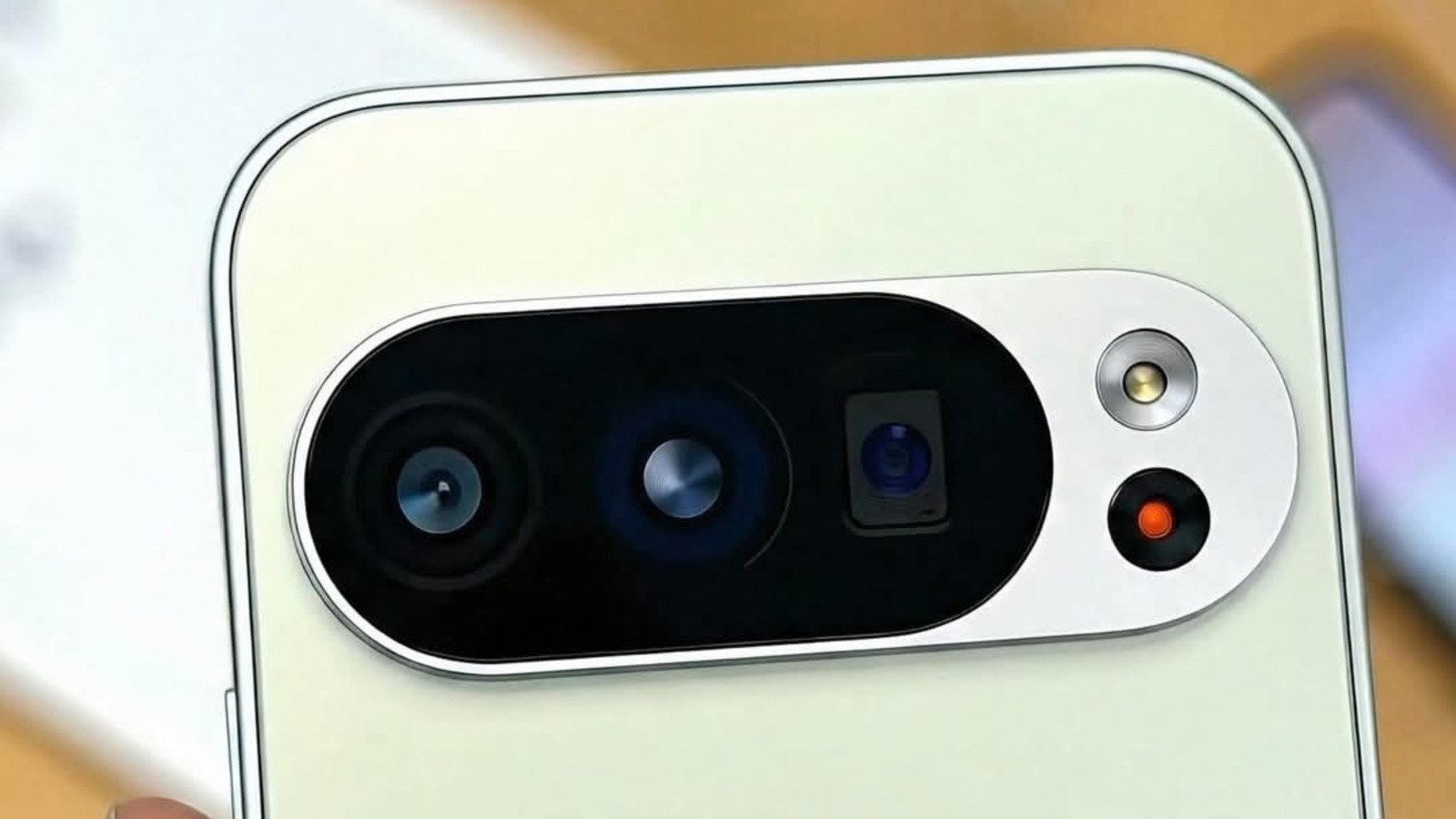
    You can plug recent Pixel phones into a monitor to get a desktop-style interface.

    For years, the idea of smartphones connected to a monitor offering a desktop experience has fascinated manufacturers, developers and (to some extent) consumers. But hardware experiments like Asus’ PadFone and the Motorola Atrix Lapdock didn’t catch on with users as vendors expected.

    Companies took to software experiences in their attempts to grant desktop-grade functionality. Microsoft’s short-lived Continuum feature for Windows 10 Mobile was discontinued in 2017. Samsung’s DeX lets its Galaxy phones deliver a PC-like workspace with a taskbar, optimized apps and wireless connectivity. And Motorola’s phones continue to offer its Smart Connect experience.

    Now, after months of being in beta, the Android 16 March Pixel Drop update brought Android Desktop Mode to the Pixel 8 and up. Let’s get it set up.

    How do I put my Android in desktop mode?

    Connect your Pixel 8 or a newer Google phone to an external monitor with a high-speed USB-C cable, and a pop-up will prompt you to switch to Android Desktop Mode or use it as a mirror. Select the Desktop option. Attach a mouse and keyboardn with a desktop-style interface. Google hasn’t announced the feature’s availability on non-Pixel devices yet

    Apps open in windows that can be sized based on your needs, and a start menu opens the App Drawer. Pulling down from the top brings up your notifications. ZDNet noted that Desktop Mode ran smoothly with no hiccups while running multiple applications.

    If you disconnect your phone from your setup and reconnect it, Desktop Mode preserves your active window layout to help you resume where you left things if you didn’t already close them on your phone. You can’t add apps to the desktop’s home screen, so open them from the start menu. If gaming’s on your mind, remember that most games built for phones won’t support keyboard inputs. Content creator leepspvideo managed to run Steam games natively via Desktop Mode with the help of apps like GameNative.

    What are the limitations of Android desktop mode?

    Your mileage with Android’s Desktop Mode will depend on your use case. While simple document editing and watching cat videos on YouTube will run smoothly, you may run into issues with meatier tasks like photo editing. While videos ran smoothly, HowToGeek found that the software currently caps the frame rate at 60 Hz. Users on Reddit noted its lack of 4K support, which is a big deal when connecting with large monitors.

    Right now, your phone won’t run Chrome extensions in Desktop Mode, even if they can run on Apple Silicon or Windows on ARM devices. That means editing tools like Grammarly and tab manager OneTab won’t function as you’d expect.

    Running a desktop UI with floating windows off a smartphone pushes its thermal envelope to its limits. Android Police’s testing found that the phone turned hot to the touch in 30 minutes of light usage on Desktop Mode. Prolonged sessions of running Android like a desktop can weaken your battery’s endurance at a higher pace than regular usage would. Despite these hiccups, Android Desktop Mode is a step in the right direction for mobile productivity, and it’s worth testing out if you own a newer Pixel device.

    Androids Desktop mode Turn your
    Share. Facebook Twitter Pinterest LinkedIn Tumblr Email
    Tool Tech Team
    • Website

    Related Posts

    iOS 27.2 brings two new features to Apple’s CarPlay

    October 28, 2026

    Rockstar workers in the UK will hold a union vote just as GTA 6 is released

    October 27, 2026

    OpenAI announces new discoveries in mathematics, computer science and physics

    October 27, 2026

    Apple adds more Siri AI tools in its 27.2 system updates, out today

    October 26, 2026

    Fitbit Air vs. Whoop: Which screenless fitness tracker is better for you?

    October 26, 2026

    The best apps for tracking your reading and discovering new books

    October 26, 2026
    Leave A Reply Cancel Reply

    Top posts
    Web Hosting

    How to Source Passive Candidates with AI in 2026

    By Tool Tech Team
    Digital Marketing

    How to Teach Content Strategy to Stakeholders Who Don’t Speak Marketing

    By Tool Tech Team
    AI Tools

    Reddit is the latest platform to embrace the ‘For You’ feed

    By Tool Tech Team
    Editors Picks

    How to Source Passive Candidates with AI in 2026

    October 28, 2026

    How to Teach Content Strategy to Stakeholders Who Don’t Speak Marketing

    October 28, 2026

    Reddit is the latest platform to embrace the ‘For You’ feed

    October 28, 2026

    iOS 27.2 brings two new features to Apple’s CarPlay

    October 28, 2026
    About Us

    Welcome to ToolTechBlog, your trusted source for the latest insights, reviews, and practical guides on AI tools, business software, cybersecurity, web hosting, and consumer technology.
    Our mission is simple: to help individuals, entrepreneurs, freelancers, students, and businesses discover the right digital tools to improve productivity, streamline workflows, and make informed technology decisions.

    Our Picks

    How to Source Passive Candidates with AI in 2026

    October 28, 2026

    How to Teach Content Strategy to Stakeholders Who Don’t Speak Marketing

    October 28, 2026

    Reddit is the latest platform to embrace the ‘For You’ feed

    October 28, 2026
    Top Reviews

    The AI Hype Index: Unsexy AI

    July 29, 2026

    What it is and How to Fix it

    July 29, 2026

    LG to Ban Residential Proxies from Smart TV Apps

    July 29, 2026

    © 2026 tooltechblog.com. All rights reserved. Designed by DD.

    • About Us
    • Contact Us
    • Terms and Conditions
    • Privacy Policy
    • Disclaimer

    Type above and press Enter to search. Press Esc to cancel.