




Neville NaidooPublished inAI·
November 13, 2026
The AI briefing for Developers
Stay up to date with AI tools, model releases, and developer workflows that matter.
Weekly. Free. One click to leave.
SitePoint Premium
Stay Relevant and Grow Your Career in Tech
- Premium Results
- Publish articles on SitePoint
- Daily curated jobs
- Learning Paths
- Discounts to dev tools
7 Day Free Trial. Cancel Anytime.
AI App Builders are exploding in popularity, and for good reason. It’s never been easier to build real, functional apps and internal tools using app builders. To test them all, I built the same app on 10 of the most popular AI app builders and tested each across usability, cost, correctness, and ease of use. Most of them can turn a paragraph of description into something that looks like software within a single session. The differences show up around the tenth prompt, when you learn what each edit costs and who has to fix the code once something breaks. I took every price from the vendor’s own pricing page on October 29, 2026.
TLDR: Of the best AI app builders I’ve used, Softr is the one I’d hand to a team that needs auth, data, user groups or integrations. The other nine I tested include code generators such as Lovable and Bolt and visual platforms such as Bubble and Glide, and each one carries a cost or upkeep trade-off worth seeing before you commit.
The 10 best AI app builders I’d use in 2026
- Softr: Builds the database and the app together for operations teams, with no generated code to maintain.
- Lovable: A chat-driven builder that writes editable full-stack code and hosts it for you.
- Base44: A prompt-based platform with its own backend, sign-in and GitHub export.
- Bolt: A browser coding agent with Bolt Cloud hosting and databases, metered in tokens.
- Replit: An agent inside a cloud workspace, with authentication, a database and hosting included.
- Glide: Turns a spreadsheet or prompt into a business app, with roots in mobile.
- Bubble: A visual no-code editor for web apps plus native iOS and Android, with an AI agent on top.
- Retool: An internal tools engine that connects to your databases and APIs.
- v0 by Vercel: Generates Next.js web apps that deploy on Vercel.
- Figma Make: Turns prompts and Figma designs into code-backed prototypes you can publish.
AI app builders compared side by side
| Builder | What you get | Pricing | Bills based on |
| Softr | A database and app built from platform components, with no generated code to maintain | Basic, $19 per month on annual billing | App users, plus AI credits for prompting |
| Lovable | Editable React code with hosting | Pro, $25 per month | Credits per message |
| Base44 | A managed app with a built-in backend and GitHub export | Starter, $16 per month on annual billing | Message and integration credits |
| Bolt | Full-stack code built in the browser, hosted on Bolt Cloud | Pro, $25 per month | Tokens |
| Replit | A code project with auth, database and hosting set up | Core, $20 per month ($18 on annual billing) | Plan credits toward AI models |
| Glide | Business apps on spreadsheets or a prompt | Basic, $25 per month | Credits and team members |
| Bubble | A visual no-code app for web and native mobile | Starter, $32 per month on annual billing | Workload units and AI credits |
| Retool | Internal tools on your databases and APIs | Team, $10 per builder and $5 per internal user per month, annual billing | Builders and users |
| v0 by Vercel | Next.js code deployed to Vercel | Plus, $30 per user per month | Credits per user |
| Figma Make | Code-backed prototypes and web apps from design context | Professional Full seat, $16 per month | Seats and AI credits |
How I tested each AI app builder
I looked at the same seven things in every tool, from the first prompt onward:
- First build: What comes back from a plain-language description, and whether it includes data and sign-in or a front end alone.
- Backend setup: How much work it takes to connect a database, store records and switch on authentication.
- Roles and permissions: Whether I can give admins and clients different views without writing access rules in code.
- Cost of later edits: Whether a small change, like renaming a field or recoloring a button, spends credits or tokens.
- Code ownership: Whether I get a codebase to export, and who keeps it patched after launch.
- Security and compliance: What the vendor publishes about SOC 2, GDPR, SSO and data residency, and which plan unlocks each.
- Price: The entry paid plan, and how the bill grows as more people log in.
1. Softr
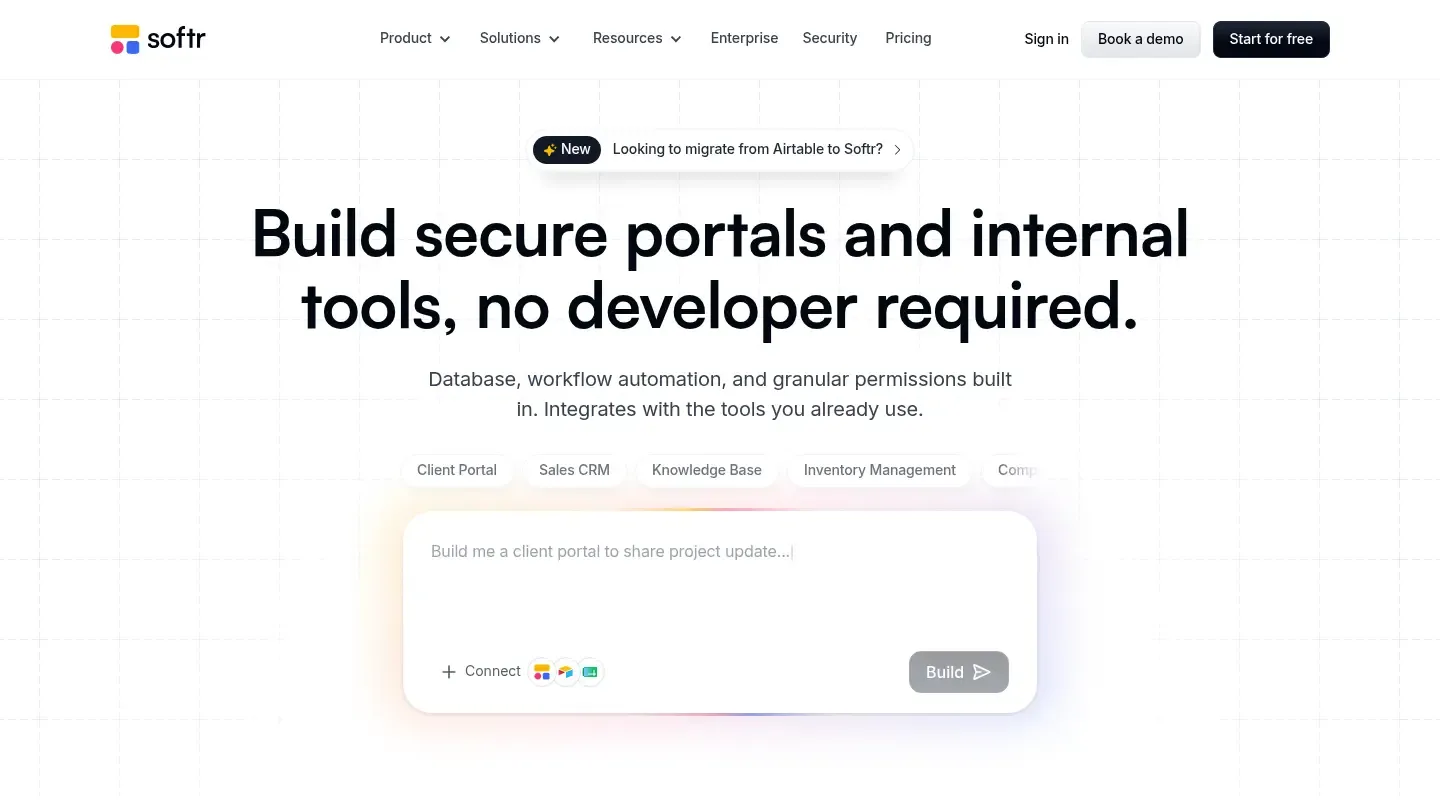
Softr gets used a lot by operations and business teams as their AI app builder for secure client portals, internal tools and other business apps, none of which require code. Write a short brief in your own words, and the AI Co-Builder turns it into a database plus the core app that sits on it: tables, pages and layouts, the data connections behind them, plus user groups and permissions, so real users can sign in from day one. Workflows come as the next step, either by prompting the Co-Builder again or by adding them in the visual editor.
What I liked
- Prompting and visual editing trade places whenever I want: I can move from a prompt to the editor and back at any point, adjust logic or add features myself, and never wait on a developer. Softr maintains the components my app runs on, so I’m never debugging, hosting and securing a vibe-coded codebase of my own.
- One product holds the stack: The database, the app or dashboard, the workflows and the forms all live in Softr instead of three subscriptions taped together. I can keep data where it already sits, in Airtable, HubSpot, a SQL database, Google Sheets or Notion, or start fresh in Softr Databases. This is a huge benefit over competing products that require you to have other subscriptions.
- Access rules that follow each user: With user groups, an admin works across every record, and each client gets access at the page, block and record level that their group permits. Softr keeps data in Frankfurt, Germany, is GDPR compliant, and makes its SOC 2 Type II report available through its Trust Center on request.
- Building from the AI tools I already pay for: Softr’s MCP integration means I can build and change Softr apps while working inside Claude, ChatGPT, Codex or Cursor. It’s included on every plan, and those sessions don’t spend Softr AI credits.
- A bill that tracks app users: Pricing follows app users on a flat plan rather than per-seat licenses, and visual edits sit outside the credit meter. When the month’s AI credits run out, I keep building in the editor.
What I didn’t like
- Desktop comes first: Softr apps adapt to any screen, and Business adds an installable PWA, though a crew that works from phones all day may want a mobile-first builder.
- Some controls wait on higher tiers: Granular permissions and Google sign-in for app users start on Pro, while 2FA and global data restrictions start on Business. Enterprise adds SSO and SCIM for centralized identity and user provisioning.
The Free plan is $0 for unlimited apps, with room for 5 app users, 3 builders, 5,000 records and 5 AI credits each month. Basic runs $19 per month, Pro $99 and Business $329, all on annual billing. Enterprise pricing is custom and includes SSO and SCIM for organizations managing access at scale. The full plan table sits on Softr’s pricing page.
2. Lovable
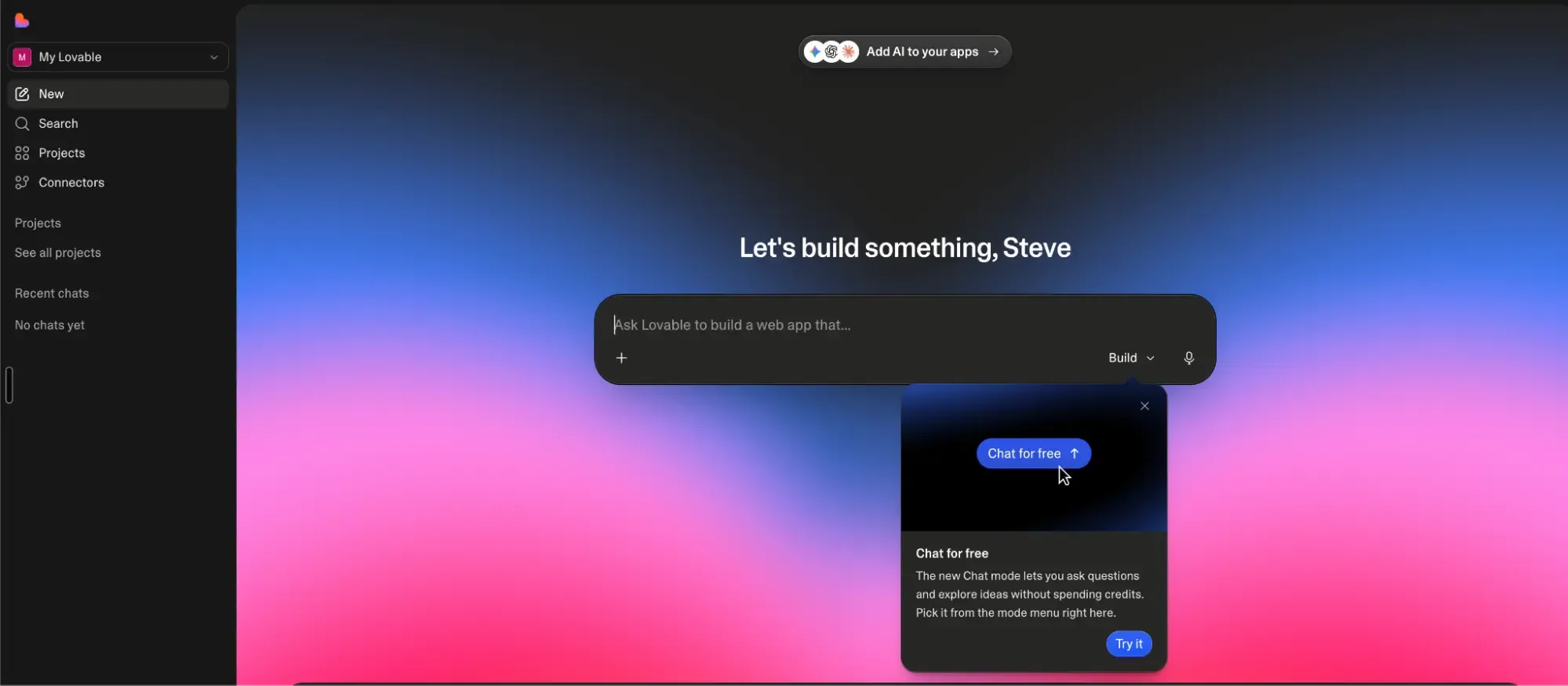
Lovable builds full-stack web apps through conversation, writing React code while it takes care of hosting, SSL and the backend. It’s designed to move a founder or product team from a prompt to a shareable prototype, and the preview updates as the agent works.
What I liked
- A first draft with real moving parts: The agent can add sign-up and login pages, routes and backend logic in the same conversation, so a prototype behaves like an app early.
- A copy of the code in GitHub: Two-way GitHub sync keeps the React project in your own repository while the agent keeps editing.
What I didn’t like
- Small edits still draw credits: Lovable’s pricing examples bill 0.50 credits for graying out a button and 0.90 for deleting a footer. Credit System is the top complaint tag on Lovable’s G2 profile, with 40 mentions across 428 reviews (4.6/5).
- The React project becomes your team’s job: Owning the code also means owning its upkeep, so someone on your side has to review, secure and patch what the agent wrote once customers depend on it.
3. Base44
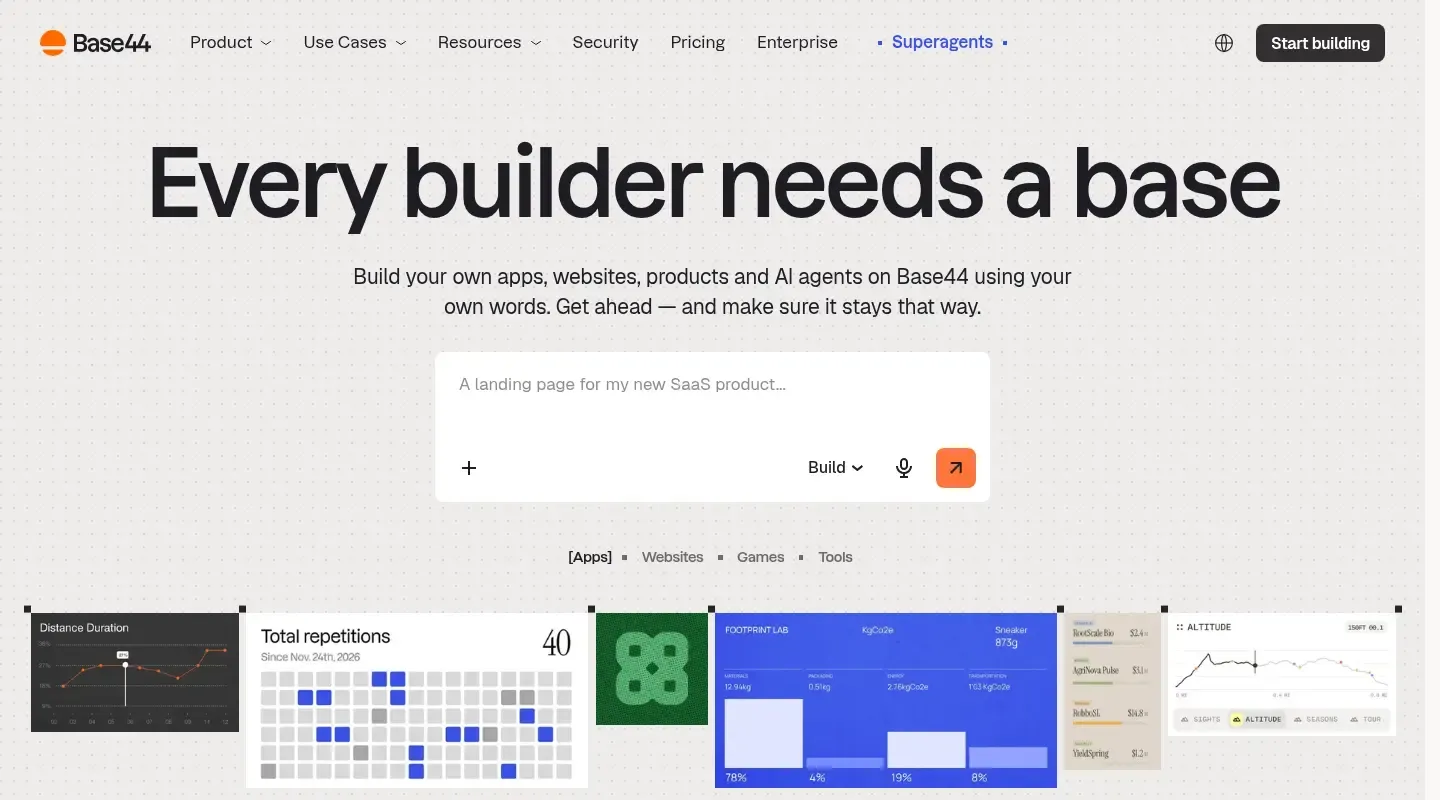
Base44 calls itself a no-code AI platform: you explain the app, and it generates the structure, design and logic while running the backend itself. Authentication, a database and analytics come on every plan, Free included.
What I liked
- No backend to wire up: The database, user management and hosting belong to the platform, so a first build doesn’t stall on configuration.
- Code you can carry out: Base44 can push the complete source to your own GitHub repository at any point, and the sync runs both ways.
- Analytics on every plan: Usage analytics come with the Free plan, so you can see who opens the app and when.
What I didn’t like
- Building runs on message credits: Base44’s pricing page says usage varies by action and model, and the Free plan stops at 25 message credits a month and 5 apps.
- Exported code needs an owner: Once the repo leaves Base44, security patches and bug fixes land on your engineers. The G2 profile is small and split: 3.8/5 across 44 reviews, 25% of them one-star (September 2026).
Base44 is free for 25 message credits a month. Starter costs $16 per month and Builder $40 per month, both on annual billing, with Pro at $80 and Elite at $160.
4. Bolt
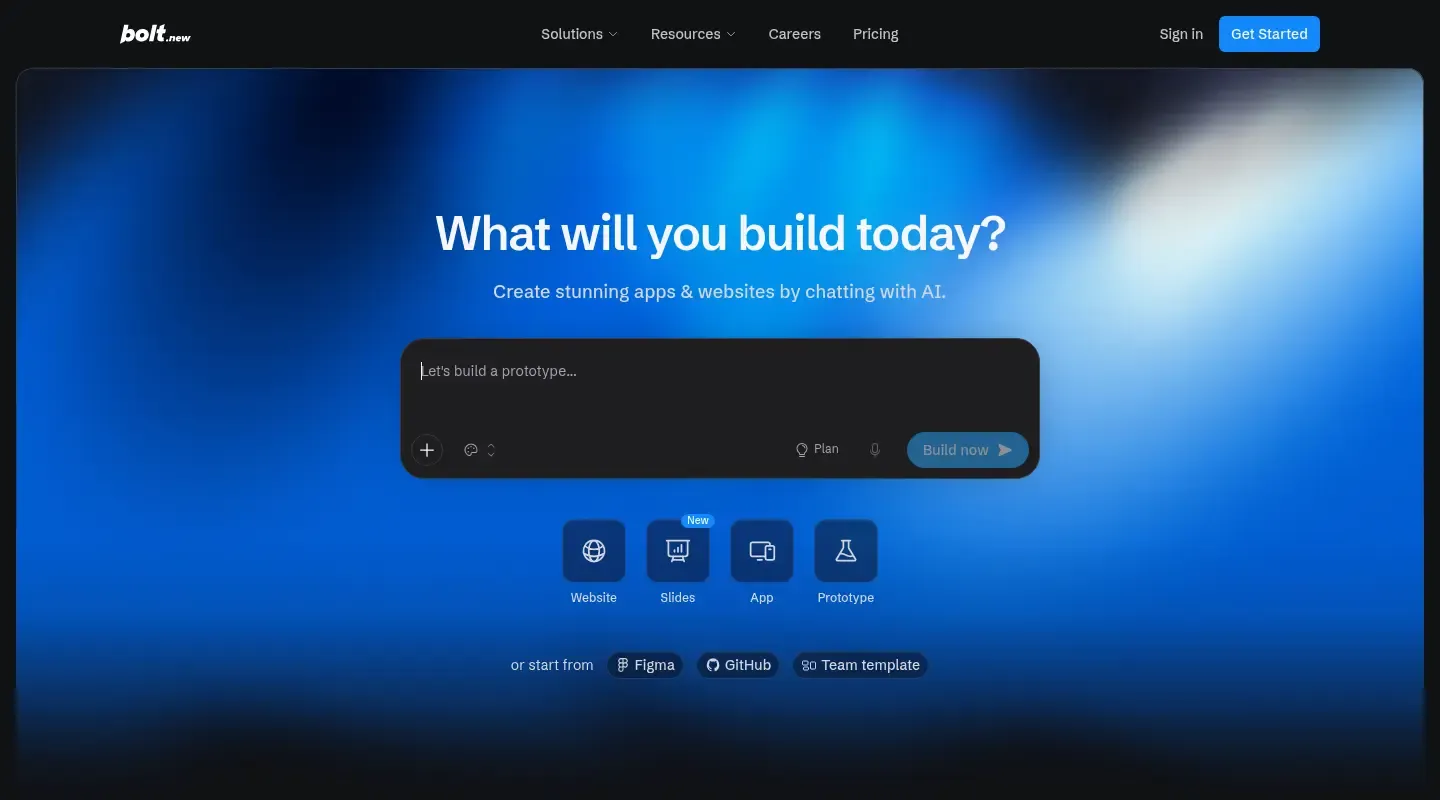
Bolt is a coding agent that writes full-stack projects in the browser and runs them on Bolt Cloud, which supplies hosting, databases and integrations. It suits people who want to watch the code take shape and edit it themselves.
What I liked
- Code and hosting in one tab: Bolt generates the project and publishes it on Bolt Cloud, with analytics and custom domains on paid plans.
- A Free tier that publishes: Free includes public and private projects, unlimited databases and hosting.
- Connectors on Pro: Pro adds MCP connectors, a choice of database provider and access to newer models.
What I didn’t like
- Token use climbs with project size: According to Bolt’s FAQ, syncing project files with the AI accounts for most token use, which means each message costs more as the app grows. Free tops out at 1M tokens a month and 300K a day.
- The codebase is yours to secure: Whatever Bolt writes, your team reviews and maintains once it carries real data, and Bolt’s pricing page puts audit logs on the Enterprise tier.
Bolt Free is $0 with 1M tokens a month and Bolt branding. Pro costs $25 per month with 10M tokens, and Teams runs $30 a month for each member on monthly billing.
5. Replit
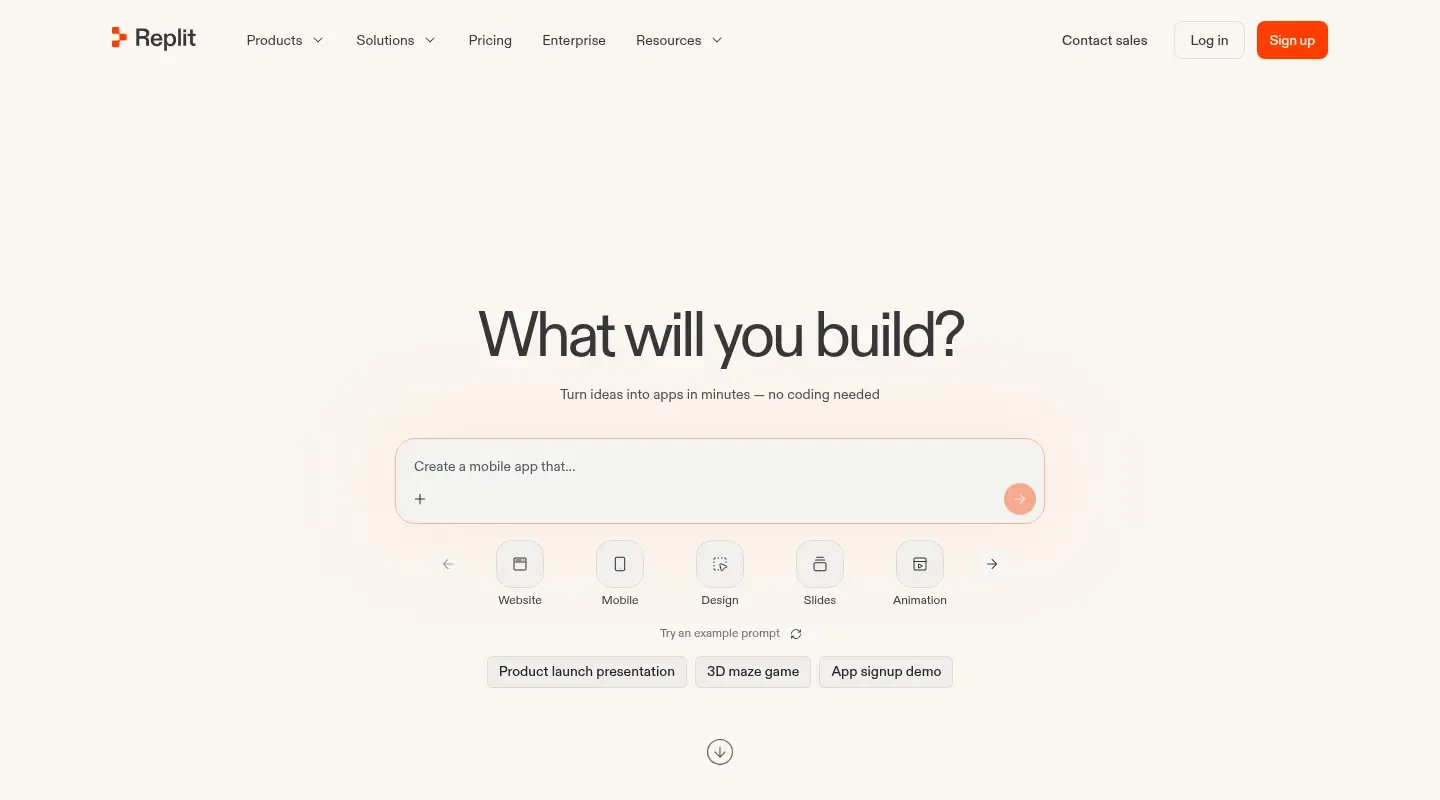
Replit pairs its Agent with a cloud workspace, so a description turns into a running app whose sign-in, database, hosting and monitoring come wired up. The homepage pitches it to people who don’t code, though the result underneath is a code project.
What I liked
- Services ready from day one: Auth, database and hosting need no separate accounts or setup.
- A safety net for data: Pro keeps database rollback for up to 28 days, which takes some of the risk out of letting an agent change records.
- Room for a team: Pro allows up to 15 collaborators and 50 viewers.
What I didn’t like
- Cost dominates the G2 complaints: Replit’s 413 G2 reviews (4.4/5, September 2026) tag Expensive 68 times and Credit System 53 times, ahead of every other complaint.
- An agent that can err, and code you keep: Replit’s pricing page warns that the Agent’s behavior is probabilistic and that it can make mistakes. The code it writes stays with your team to review, harden and maintain.
Core costs $20 per month ($18 with annual billing) and Pro costs $100 per month ($90 with annual billing). Enterprise is custom and adds SSO, SCIM and audit logs.
6. Glide
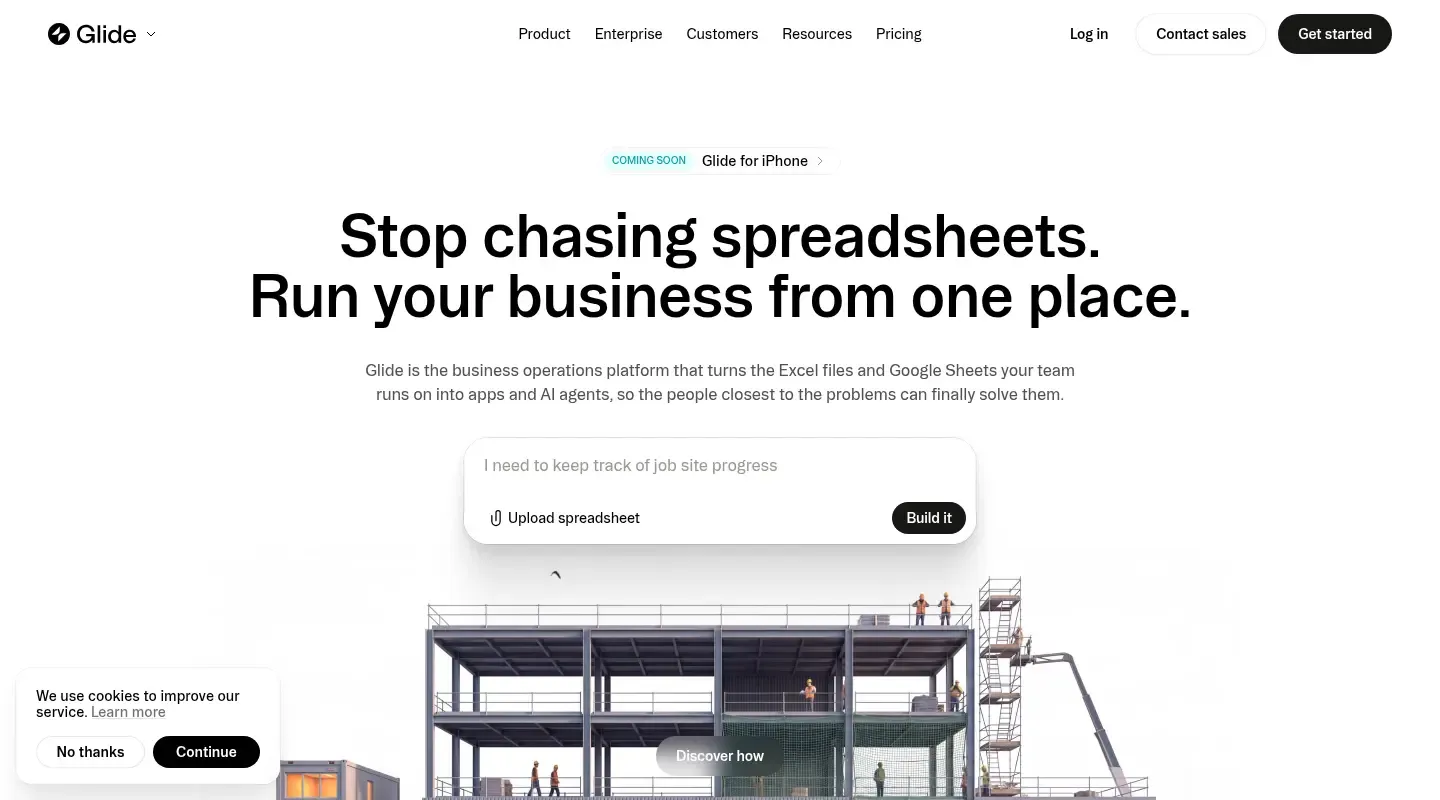
Glide starts internal business apps from whatever you hand it, whether a spreadsheet, a written prompt or a PDF, and its newer platform, GlideOS, reads a sheet’s structure and relationships to draft screens and workflows. Its apps grew up on phones, and that heritage still shapes the product.
What I liked
- Mobile-first by design: For field crews working from phones, Glide is a better mobile-first builder than Softr.
- Spreadsheet in, app out: Google Sheets, Excel and Airtable connect as data sources, and GlideOS drafts the app around the data it finds.
- More than sheets as input: A written brief or a PDF can seed an app as well as a spreadsheet can.
What I didn’t like
- Credits and headcount both drive the bill: Pro starts at 5 members with 50 credits each, and Expensive (32 mentions) plus Pricing Issues (26) appear among the complaint tags on Glide’s G2 listing (4.7/5 from 820 reviews, a profile that covers Glide Classic).
- A fresh start for current Glide users: GlideOS runs apart from Glide Classic, and Glide says it has no tool for migrating Classic apps into it.
Glide vs. Softr: key differences
| Factor | Glide | Softr |
| Pricing model | Credits plus team members | App users, split into Team and Client users |
| Publishing on Free | No published apps; publishing starts on Basic | Unlimited apps for up to 5 app users |
| Device focus | Mobile-first | Desktop-optimized, with a PWA on Business |
Glide Free is $0 with limited credits. Basic costs $25 per month, Plus $50 per month and Pro $125 per month; annual billing isn’t offered yet
7. Bubble
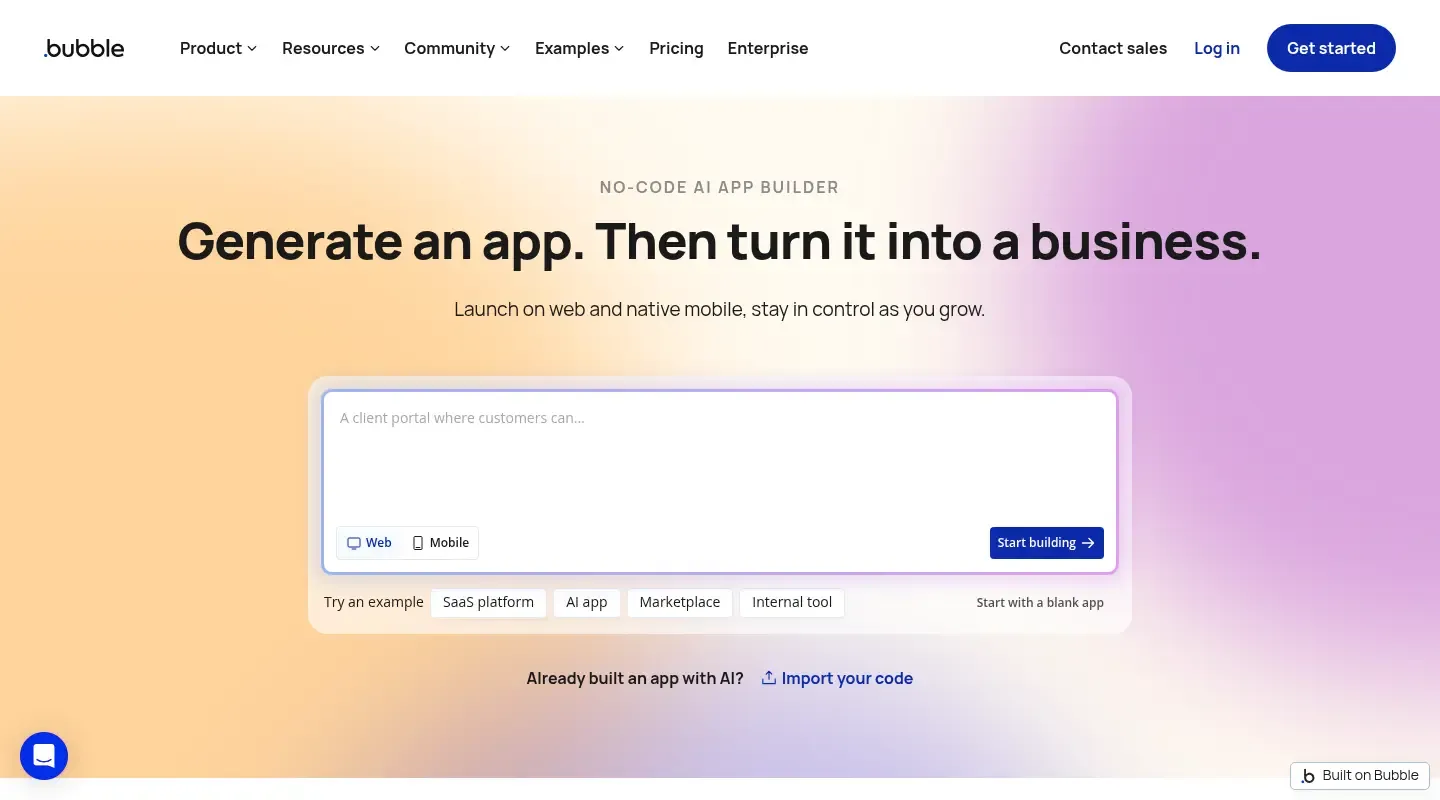
Bubble is a visual builder that targets the browser as well as native iOS and Android, with an AI agent that drafts pages and logic before you refine them by hand. One editor covers the design, the database, the logic and the privacy rules behind each page.
What I liked
- Room for custom design: For custom layouts, interactive animations and heavy branding, Bubble gives you more control over the front end than Softr does.
- Native mobile publishing: Bubble ships apps to the iOS and Android stores from the same project.
- Capacity you can raise for a month: Extra workload units or AI credits can be added for a busy month without changing plans.
What I didn’t like
- Free stays in development: The Free plan gives you a development version, and launching a live app requires Starter.
- Workload units to watch: Bubble meters server activity such as database operations and workflows in workload units on top of AI credits, so the bill follows how hard the app works.
Bubble Free gives you 50K workload units and 500 AI credits each month. Web plans run $32 per month for Starter, $119 for Growth and $349 for Team, all on annual billing.
8. Retool
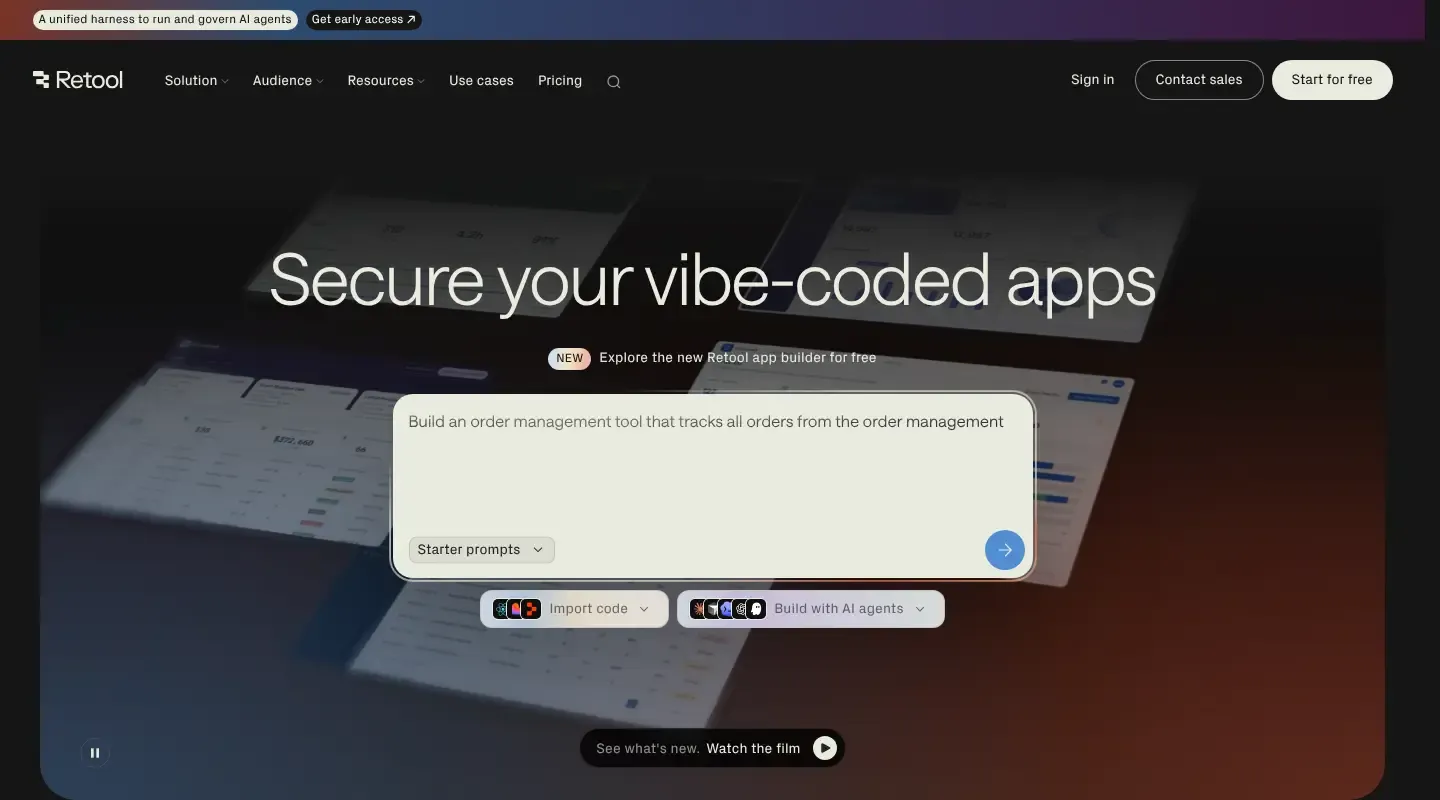
Retool is an internal tools engine aimed at engineering teams. You describe or assemble an app that connects straight to production databases, APIs and LLMs, with auth and access controls in place at deployment.
What I liked
- Version control and audit logs: Retool’s pricing page puts release history on every plan, audit logs on Business and Git-based source control on Enterprise, a setup engineering teams already know.
- A home for apps built elsewhere: Retool can host apps made in Lovable or Replit, by ZIP upload or GitHub sync.
- Connections to your databases and APIs: Apps run queries against the databases and APIs you already have.
What I didn’t like
- Technical from the first screen: G2’s review summary for Retool (4.6/5 from 360 reviews) flags a steep learning curve, and the builder assumes someone comfortable writing queries.
- People priced one by one: Builders and internal users each carry a monthly fee, and external users need Business or above.
9. v0 by Vercel
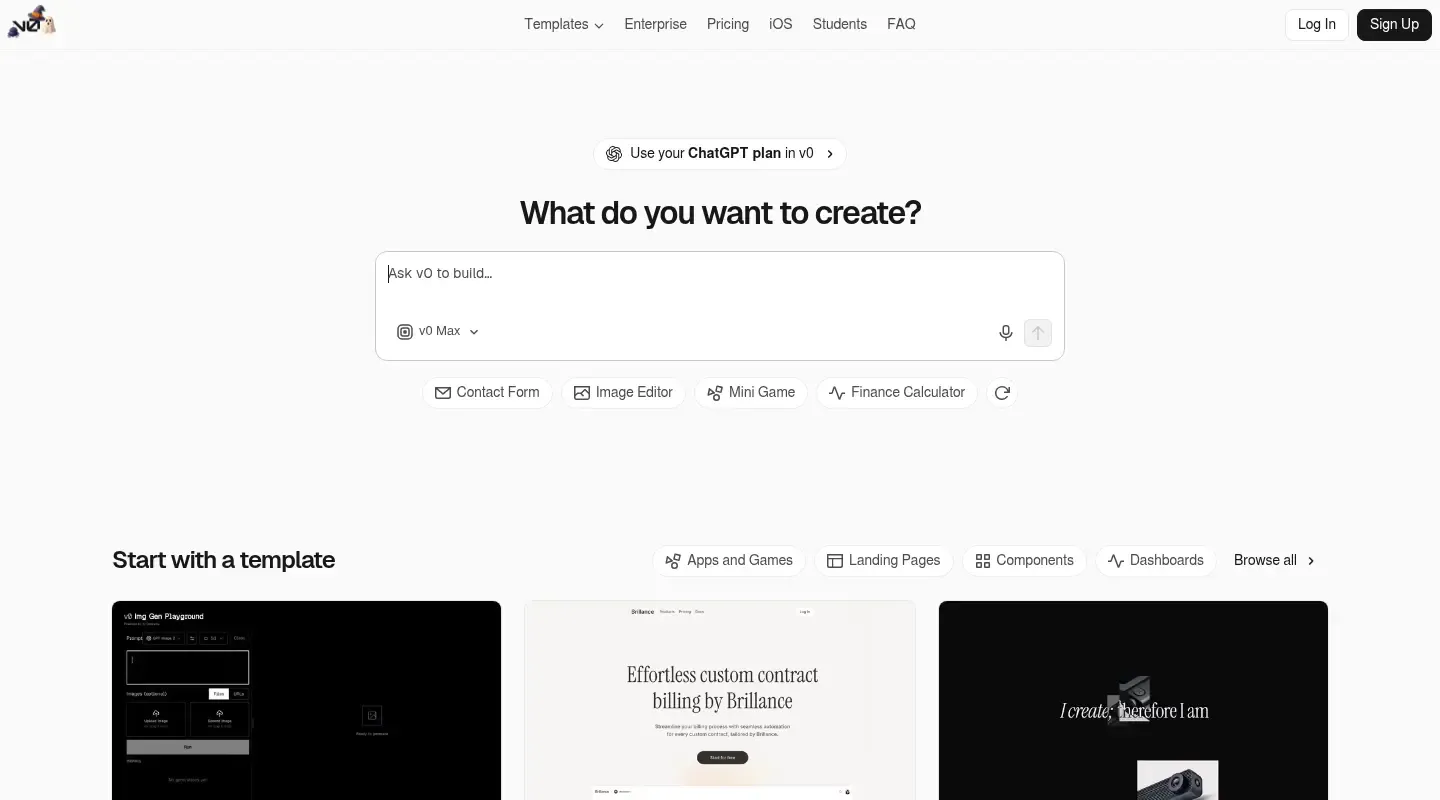
v0 generates full-stack Next.js web apps from a prompt and deploys them to Vercel, with Design Mode for visual tweaks and GitHub sync for the code. It’s designed around a developer’s workflow.
What I liked
- Design Mode for layout tweaks: Spacing, colors and layout can be adjusted with visual controls.
- One step to deployment: Apps go to Vercel from the same workspace.
What I didn’t like
- Pricing per user: Each Plus seat carries its own $30 monthly fee and $30 of credits, so a growing team multiplies the bill.
- A Next.js app to maintain: The output is a codebase, which means someone on your team reads, secures and updates it after launch.
v0’s Free plan gives new users $5 of one-time credits and caps messages at 7 per day. Plus runs $30 a month per user, and Business $100 a month per user.
10. Figma Make
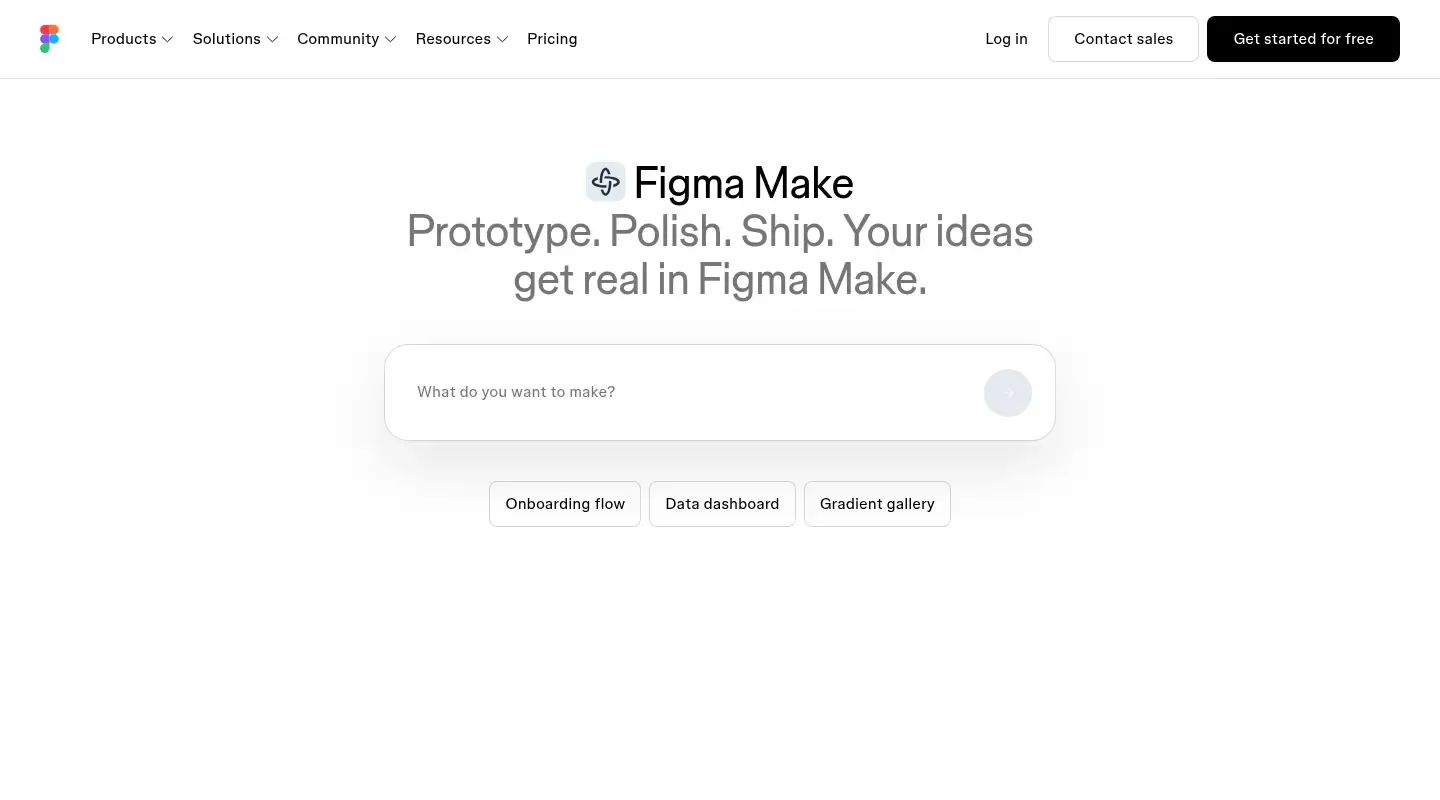
Figma Make turns prompts and Figma design context into code-backed prototypes and web apps you can publish at a URL. It can also scaffold a Payload backend with a database, APIs, auth and an admin panel, or connect to Supabase for sign-in and stored data.
What I liked
- Your design system in the prompt: Make brings styling from a Figma library and accepts reference images, documents and data files.
- A round trip between canvas and code: Previews paste back into Figma Design as editable layers.
- Publishing built in: A finished prototype or web app goes live at its own URL.
What I didn’t like
- One credit pool for every Figma AI feature: Make shares the seat’s monthly AI credits with the rest of Figma AI, and Starter caps them at 500 a month.
- Production means taking on code: Anything past a published prototype puts the generated code in your team’s hands to host, secure and maintain, and Figma lists local Make for shipping into codebases as coming soon.
Figma’s Starter plan is free with up to 500 AI credits a month. Figma lists a Professional Full seat at $16 per month with 3,000 AI credits, and Organization Full seats cost $55 per month on annual billing.
What vibe coding means for AI app builders
Collins Dictionary named “vibe coding” its Word of the Year for 2025, and the phrase now covers any workflow where you describe software in plain language and an AI produces it. AI app builders package that workflow with hosting, data and sign-in, so a non-developer can get from idea to something clickable without installing anything.
The questions buyers ask have turned plainer since then: what each edit costs, who keeps the app running, and whether a client can sign in and see their own records alone. A generated front end makes a good demo, and a team using it every day needs permissions and a predictable bill for the next hundred edits.
Bottom line on the best AI app builders
Softr is now my default when recommending AI app builders. It handles teams, auth, and real company data better than any other product. The AI Co-Builder drafts tables, pages and user groups, workflows follow as the next step, and the app keeps running on maintained platform components with no codebase to patch. App-user pricing and an editor that works without AI credits keep later changes from turning into a running meter.
Three situations call for a different tool. Glide makes a better mobile-first choice when the app spends its days on phones in the field. Bubble gives more front-end design freedom when a project calls for bespoke layouts, interactive animation or heavy brand styling. If your engineers want version control and audit logs and can handle a technical setup, Retool covers that need.
What to expect from AI app builders in 2027
Agents are moving inside the apps these tools produce. Gartner expects task-specific AI agents inside 40% of enterprise applications by the close of 2026, against under 5% in 2025, so a 2027 app builder will need to host agents that respect the same permissions as human users.
Building is also leaving the builder’s own window. The Model Context Protocol now sits under the Linux Foundation’s Agentic AI Foundation and reports more than 97 million SDK downloads a month, with client support in ChatGPT and Claude, among others. Softr’s changelog dates its official Claude and ChatGPT connector to October 6, 2026, and I expect more teams to start an app from the chat assistant they already use.
The caution comes from Gartner too: it predicts organizations will scrap upward of 40% of agentic AI projects before 2028, citing escalating costs, unclear business value and inadequate risk controls. Going into 2027, I’d judge any builder on whether it keeps agent costs and access rules visible to the team running the app.
Neville Naidoo is a technology journalist covering AI, startups, and the digital economy, with a focus on how emerging technologies are constantly evolving and shaping our everyday life.
