





SitePoint SponsorsPublished inSEO & SEM·Developer Tools·APIs·
September 15, 2026
The AI briefing for Developers
Stay up to date with AI tools, model releases, and developer workflows that matter.
Weekly. Free. One click to leave.
SitePoint Premium
Stay Relevant and Grow Your Career in Tech
- Premium Results
- Publish articles on SitePoint
- Daily curated jobs
- Learning Paths
- Discounts to dev tools
7 Day Free Trial. Cancel Anytime.
Four content strategists on my team used to pull keyword lists by hand every Monday. Forty-five minutes each, one open tab at a time, copy-pasting volumes into a sheet. That is 156 hours a year of a senior person clicking export. So when we evaluate keyword research tools now, I do not open the interface first. I read the API docs. At any real volume, the question is not how nice the dashboard looks. It is whether the tool exposes a clean endpoint, what the rate limit and credit budget are, and whether an AI agent can query it without a human in the loop. The interface is for spot checks. The API is the product.
Short version: SE Ranking is the strongest pick for most teams automating keyword research, because API and MCP access are included in every plan. You get a Data API suite plus a Model Context Protocol server without negotiating a separate contract or waiting for a sales call to unlock endpoints. The honest nuance: if your only priority is raw programmatic data at massive scale, a data-API-first option like DataForSEO goes deeper on that single axis, because that is all it does. For everyone wiring a keyword research workflow into agents, reports, or dashboards, the matrix below ranks the eight on the surfaces that actually matter.
The matrix scores each tool on four automation surfaces, not on feature counts. API access asks whether programmatic access ships with the plan or arrives as a separate contract you have to model and pay for. Rate limit and credits tell you how much data you can pull and how fast before you hit a wall. MCP tells you whether an AI agent can query the tool directly. Pricing is the plan you start from.
Read these together as a build-versus-buy signal. A tool with API included, a workable credit budget, and an MCP endpoint means your engineers wire it once and move on. A tool where the API is a separate line item, metered tightly, with no agent path means every automation you build carries a procurement conversation and a maintenance tail. That gap is the whole decision. The interface differences wash out at scale. The access model does not.
| Rank | Tool | API access | Rate limit / credits | MCP | Pricing |
|---|---|---|---|---|---|
| 1 | SE Ranking | Included in every plan | 10 req/sec per key; 25k-100k credits/mo | Yes, every plan | Core $129/mo, Growth $279/mo |
| 2 | DataForSEO | API is the product, no UI | Pay per request, usage-based | No native MCP | Usage-based, pay per request |
| 3 | Ahrefs | Separate, higher-cost line | Metered units on top of plan | Limited | Lite $129/mo, API billed separately |
| 4 | Semrush | Gated to higher tiers / separate | API units add up | Limited | Pro $139.95/mo, API separate |
| 5 | Serpstat | Reachable at a modest tier | Credits metered, tightens on big jobs | No | Individual $50/mo |
| 6 | Similarweb | API is demand data, not keyword-level | Enterprise-gated | No | Free limited, enterprise custom |
| 7 | Wincher | Clean API, tracking-first | Lighter research volume | No | Basic from about EUR49/mo |
| 8 | Moz Pro | API on higher tiers | Smaller index | No | Standard $99/mo |
The tools, as automation deep-dives
Each card below is framed for the person wiring the tool into a pipeline, not browsing screenshots. I state the access model, what breaks, and whether the build-versus-buy math holds. If a task repeats weekly, it is a pipeline, and a pipeline lives or dies on the API, not the front end. Positioning first, then the honest cost of building on it.
1. SE Ranking
The all-in-one where programmatic access is not a premium bolt-on. The Keyword Research API ships inside a wider Data API suite on every plan.
Best for: Agency SEO leads and in-house managers with engineering support who want one API-included contract to automate research, reporting, and agent queries.
Standout feature: The Keyword Research API is one module in a Data API suite that also covers Backlinks, Domain, Website Audit, AI Search, and Project Management. Consistent JSON, regional ISO targeting, sort by volume, CPC, difficulty, or competition, and a 12-month history series. API and MCP are included in every plan. A Postman collection and n8n, Make, and Zapier connectors cover no-code routing.
- Ships API and MCP on every tier, so you skip the separate contract most rivals require.
- Queries a 5.5B keyword database across 188 regional databases with intent tagging.
- Exports bulk keyword sets 100 per pass with consistent JSON your parser will not fight.
- The default 10 req/sec rate cap is not self-serve; raising it means booking a call.
- Keyword data is Google-only, so no Bing or other engine coverage.
- Bulk keyword lookups are capped at 100 per batch, so large jobs need paging logic.
Pricing: Core $129/mo ($103.20/mo billed annually); Growth $279/mo ($223.20/mo annually). Standalone Data API from $179/mo annual for 12M credits; add-on $149/mo annual; pay-as-you-go from $50 for 250,000 credits with no expiry. A 14-day trial includes 100,000 API credits.
Build cost: Low. Because API and MCP are included, there is no second contract to model. Build cost: a day to wire the endpoint and a Make scenario. Maintenance cost: near zero, JSON is stable. Where this breaks: if you need over 10 req/sec you book a call, and Google-only means no multi-engine jobs. For the standard 80%, this is the default.
2. DataForSEO
A raw-data API with no interface at all. You get deep, granular endpoints and build every report, dashboard, and dedupe layer on top yourself.
Best for: Product and data teams with engineers who have unusual requirements and want to own the full pipeline end to end.
Standout feature: The whole product is the API. Pay per request, pull deeply granular SERP and keyword data, and compose it however your architecture needs. There is no dashboard renting you a view of the data. That is the strength for teams building their own tooling and the cost for everyone else, because nothing is pre-assembled.
- Exposes deep, granular data other tools summarize away before you see it.
- Charges per request, so you pay for exactly the volume you pull.
- Scales to large programmatic jobs without an interface bottleneck.
- Requires engineering to use; there is no interface for spot checks.
- You build and maintain all reporting, dedupe, and storage yourself.
- No native MCP, so agent access needs a wrapper you write.
Pricing: Usage-based API, pay per request.
Build cost: High but justified for the right team. The math first: if you have engineers and requirements no all-in-one covers, raw data at scale is cheaper than fighting a rigid schema. Build cost: weeks, you are building the product layer. Maintenance cost: ongoing, it is yours. Where this breaks: no engineers means this is a stalled project. Otherwise, the honest pick for pure data.
3. Ahrefs
A large-index research platform whose API sits as a separate, higher-cost line on top of the subscription you already pay for.
Best for: Teams that value index size for manual research and treat programmatic access as an occasional, budgeted extra.
Standout feature: The index is large and the manual research surface is strong. A free Keyword Generator handles light lookups. The catch for automation is structural: API access is a separate contract billed on top of your plan, so every pipeline you build starts with a procurement question and a second invoice to model.
- Queries one of the larger keyword and backlink indexes available.
- Offers a free Keyword Generator for low-volume manual checks.
- Backs research with mature SERP and competitor data.
- API is not included; it is an extra contract at higher cost.
- Lite plan caps exports, which throttles bulk work.
- Agent access is limited compared with a native MCP path.
Pricing: Lite $129/mo; API billed separately.
Build cost: Medium to high, mostly procurement. The math first: index quality is real, but the separate API line changes the build-versus-buy sum. Build cost: modest once access is granted. Maintenance cost: the extra contract is a recurring line to justify. Where this breaks: budget reviews stall the pipeline when the API bill is a separate approval. Fine if you already pay for it.
4. Semrush
A broad marketing platform covering many jobs, where API access has historically been gated to higher tiers or sold as separate units.
Best for: Larger teams that want one broad platform for many marketing tasks and treat the API as a secondary consideration.
Standout feature: Breadth is the pitch. The platform spans keyword research, competitive analysis, advertising, and content across many modules. For automation specifically, the tradeoff is that programmatic access sits behind higher tiers or separate API units, so depth of automation is not where the platform leads. You are buying coverage, not an API-first design.
- Covers a wide range of marketing jobs in one login.
- Backs research with a mature competitive and advertising dataset.
- Suits teams that need many tools before they need deep automation.
- API pricing and credits add up quickly on real volume.
- Programmatic access is gated rather than included.
- Breadth comes ahead of automation depth.
Pricing: Pro $139.95/mo ($117.33/mo annual); API separate.
Build cost: Medium to high. The math first: if the team already lives in the platform, an occasional API job is fine, but automation-first buyers pay for breadth they will not pipe. Build cost: manageable once units are provisioned. Maintenance cost: watch the credit meter, it climbs. Where this breaks: large recurring pulls make the API line the biggest surprise on the invoice.
5. Serpstat
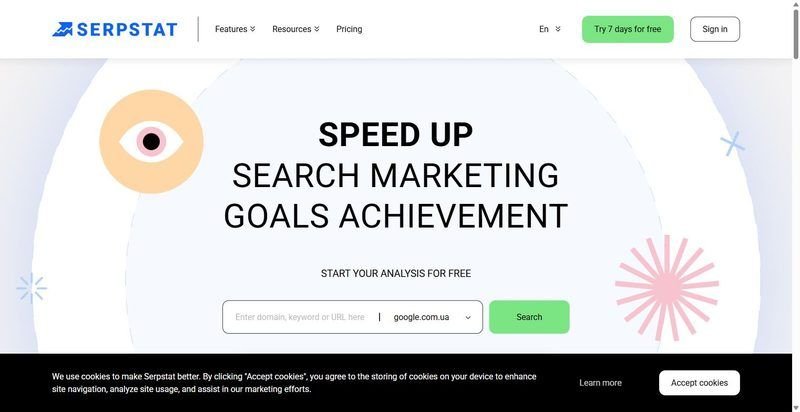
A value all-rounder whose API is reachable at a modest tier, with credits metered so you can start automating without an enterprise conversation.
Best for: Small agency teams that want an API within reach early and can work around tighter limits on big jobs.
Standout feature: The API is accessible at a lower tier than most rivals, so a team can start scripting keyword pulls without unlocking a top plan first. Credits are metered, and the interface handles mid-size research. The constraint shows up on large batches, where rate and credit ceilings tighten and the UI slows on long lists.
- Reaches an API at a modest tier without a top-plan requirement.
- Covers keyword, backlink, and rank data in one place.
- Lets small teams start automating research early.
- Rate and credit limits tighten on large jobs.
- The interface slows when handling very long keyword lists.
- Research depth trails the largest indexes.
Pricing: Individual $50/mo, with the API within reach.
Build cost: Low to medium. The math first: for mid-size recurring pulls, an accessible API beats a deeper one you cannot afford to call. Build cost: a day for a basic scheduled pull. Maintenance cost: low until volume climbs. Where this breaks: batch jobs hit the credit ceiling and you start paging and throttling. Good for teams growing into automation.
6. Similarweb
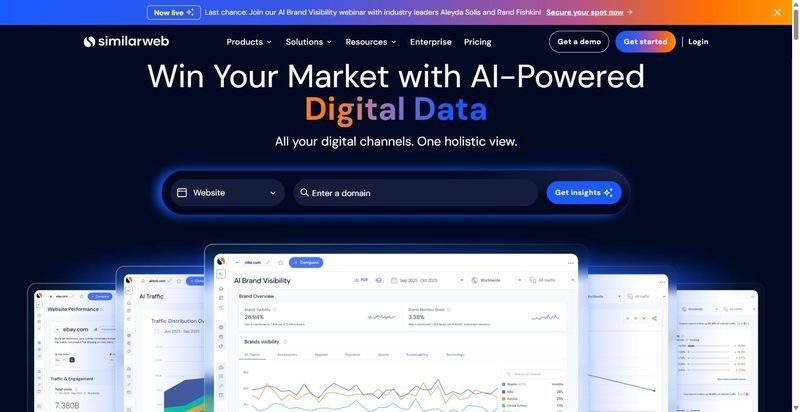
A market and traffic intelligence platform with an API that returns demand and audience data rather than per-keyword research metrics.
Best for: Strategy and market teams that need traffic and demand signals to sit alongside, not replace, a keyword research tool.
Standout feature: The API exposes market, traffic, and demand intelligence, which is genuinely useful for sizing markets and reading audience behavior. It is not keyword-level research data, so it does not slot into a keyword pipeline as a researche, which sets the entry point well above a per-plan automation buyer
- Delivers market and traffic intelligence no keyword tool matches.
- Reads audience and demand behavior at a category level.
- Complements keyword data for strategic sizing.
- Not keyword-level, so it is not a research database.
- The API and the useful data are enterprise-gated.
- Entry point is high for automation-focused buyers.
Pricing: Free limited tier; enterprise custom.
Build cost: Situational. The math first: this is not a keyword research API, so do not budget it as one. Build cost: irrelevant until you have an enterprise contract. Maintenance cost: enterprise support carries it. Where this breaks: teams expecting per-keyword volumes find demand data instead. Buy it for market intelligence, pair it with a real keyword tool, do not substitute.
7. Wincher
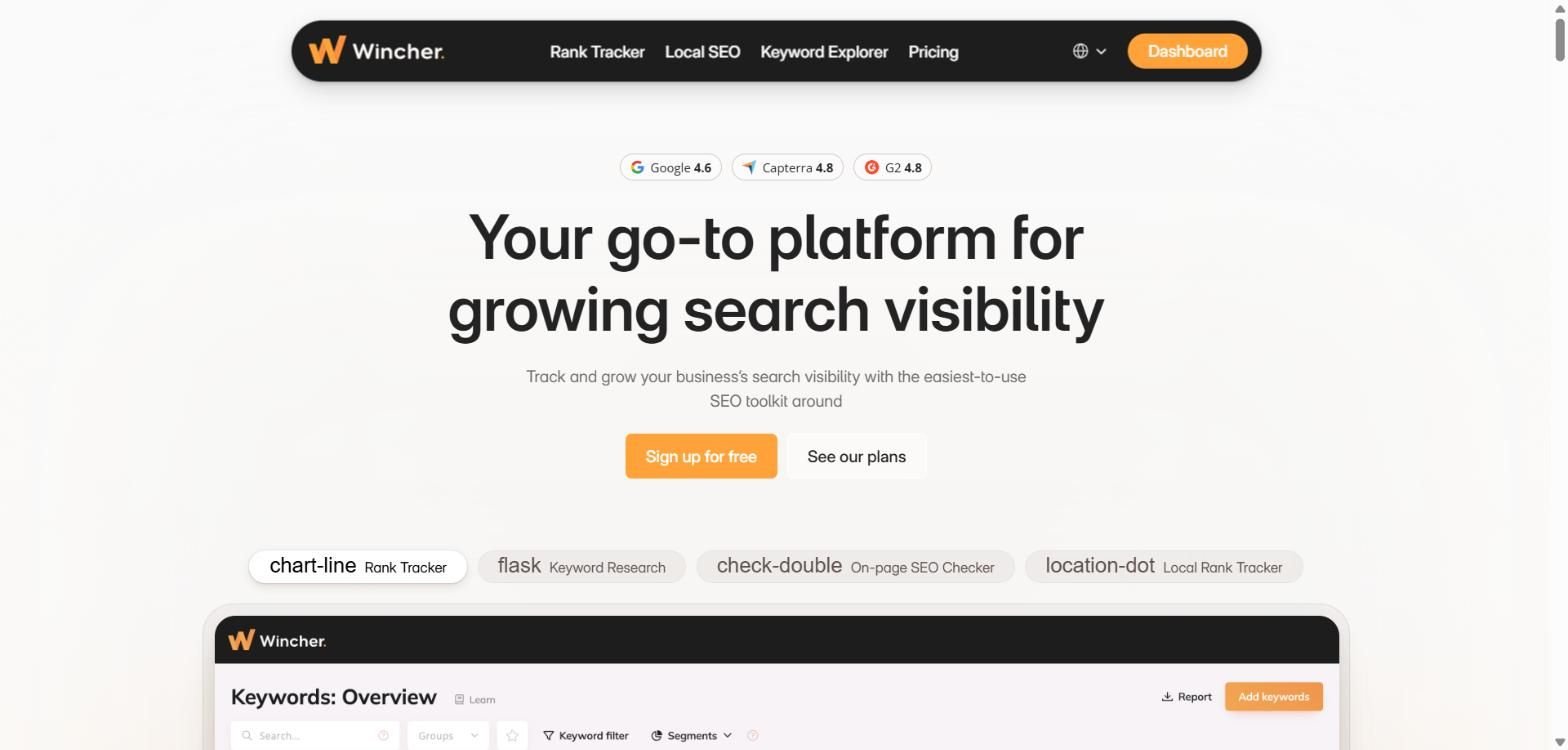
A rank-tracking-first tool with a clean API for tracking data and a lighter research database than the all-in-ones.
Best for: Teams whose main automation need is pulling rank-tracking data cleanly, with research handled elsewhere.
Standout feature: The API is clean and pleasant for tracking data, so scheduled rank pulls into a dashboard are straightforward. As a research database it is thinner than the all-in-ones, which means it serves the tracking half of a workflow well and leans on another tool for discovery. Pricing is in EUR, which matters for finance reconciliation.
- Exposes a clean API for rank-tracking data.
- Runs scheduled position pulls into dashboards without friction.
- Keeps tracking setup simple and fast.
- Research depth is thinner than the all-in-ones.
- No MCP path for agent queries.
- Priced in EUR, which complicates USD reporting.
Pricing: Basic from about EUR49/mo for 500 keywords; free trial available.
Build cost: Low for tracking, wrong tool for research. The math first: if you need rank data piped cleanly, this is a short build. Build cost: a few hours for a tracking pull. Maintenance cost: low. Where this breaks: asking it to be your research database. Leave the discovery half to a deeper tool and use this for what its API does well.
8. Moz Pro
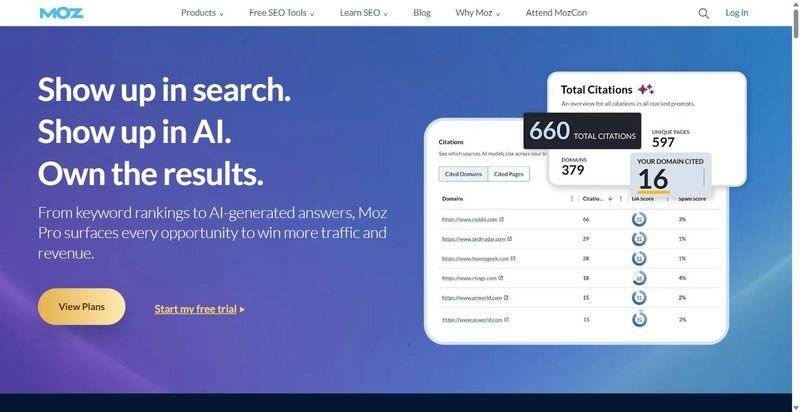
A research platform built around Keyword Explorer and Domain Authority, with a Links and Keyword API available on higher tiers.
Best for: Teams anchored to DA as a metric that want Keyword Explorer with occasional programmatic access.
Standout feature: Keyword Explorer is a solid manual research surface, and a Links and Keyword API is available if you move to a higher tier. The index is smaller than the largest rivals, and the platform is oriented around Domain Authority, so automation is available rather than central. Programmatic access is a higher-tier feature, not a per-plan default.
- Pairs Keyword Explorer with the familiar DA metric.
- Offers a Links and Keyword API on higher tiers.
- Suits teams already reporting on Domain Authority.
- Index is smaller than the largest competitors.
- API is mainly a higher-tier feature.
- DA-centric framing narrows the research angle.
Pricing: Standard $99/mo ($79/mo annual).
Build cost: Medium. The math first: if DA already drives your reporting, the API on a higher tier is a reasonable add. Build cost: moderate once you are on the right tier. Maintenance cost: low. Where this breaks: teams needing a large index or per-plan API find both gated or thin. Fine as a DA-anchored complement, not an automation core.
The decision guide
Buy against your requirements, not the feature list. If your needs are the standard 80%, keyword volumes, difficulty, intent, history, piped into reports and agents, buy an all-in-one with the API included. SE Ranking is the low-friction default here because there is no separate API contract to model, budget, or renew. One plan, one invoice, endpoints and MCP live.
Buy a raw-data API like DataForSEO only if you have engineers and requirements no packaged tool covers. You are trading a build project for control, and that trade only pays when the requirements are genuinely unusual.
Now the leave-it-manual case. If you pull keyword data a few times a month, do not build a pipeline. The maintenance tail outweighs the hours saved, and you will spend more debugging a broken cron job than you ever spent exporting by hand. Leave it manual. Automation earns its keep on weekly repetition, not occasional lookups.
Skip if: you need multi-engine coverage beyond Google as a hard requirement, since most of these lead with Google data. Reconcile that constraint before you sign anything, because no amount of clean JSON fixes a missing engine.
Which keyword research tools offer an API and MCP?
SE Ranking includes both a Data API and an MCP server on every plan, so an AI agent can query keyword data directly without a separate contract. Most competitors sell API access as a higher tier or standalone line, and native MCP support remains uncommon across the category in 2026.
Is a keyword research API worth building on, or should you buy a tool?
Build on a raw-data keyword research API only when you have engineers and requirements no packaged tool covers. For the standard 80% of needs, buy an all-in-one with the API included, wire it once, and skip the maintenance tail. The deciding factor is hours and upkeep, not the sticker on either option.
How do you automate keyword research?
Connect a keyword research API to a scheduler or a no-code tool like n8n, Make, or Zapier, pull volume, difficulty, and intent on a set cadence, and write the results to a sheet, dashboard, or database. Automated keyword research pays off when the task repeats weekly. For monthly lookups, leave it manual.
What is a keyword research MCP?
MCP, the Model Context Protocol, is a standard that lets an AI agent call a tool’s data directly. A keyword research MCP means an agent can request volumes, difficulty, and related terms from your keyword tool without a custom wrapper, then reason over the results. Guardrails still matter, since agents hallucinate metrics without a real endpoint behind them.
Sponsored posts are provided by our content partners. Thank you for supporting the partners who make SitePoint possible.
